Best AI Voiceover Tools for Faceless YouTube (2026)
Ranked voice tools for faceless YouTube: local narration, cloning and expressive reads, plus the license limits that matter if the channel earns money.
By TubeMarket · · voiceover, faceless, text to speech, youtube
A faceless video is a voice plus pictures. Viewers hear that voice for the whole video, so the tool you pick decides whether the channel sounds like one narrator or a different person every upload. This guide ranks the voiceover items on the TubeMarket shelf for that job. It is a fit ranking: offline or online, fixed voices or cloning, and what the license lets you do. It is not a listening test, and it does not quote speed or quality scores.
We judged each tool on four things:
- Where it runs: on your machine, or through someone else's service
- What you can control: a fixed voice, a clone, or the delivery (exaggeration, laughs, other sounds)
- License: can a monetized channel use it, or do you need to read a limit first
- Captions: does the same step give you timings, or do you add those later
Quick picks
- Local narrator, Apache weights: Kokoro (
hexgrad-kokoro) - Narration plus an SRT file: Kokoro-TTS-Subtitle (
tb-019) - Small offline voice, no cloning: Piper (
rhasspy-piper) - Many voices, no local model: edge-tts (
rany2-edge-tts) - Expressive reads and voice cloning: Chatterbox (
resemble-ai-chatterbox) - Instant clone of a reference clip: OpenVoice (
myshell-ai-openvoice) - Train a voice from a short sample: GPT-SoVITS (
rvc-boss-gpt-sovits) - Whole short from a topic, voice included: MoneyPrinterTurbo (
harry0703-moneyprinterturbo)
Only clone a voice you have the right to use. YouTube's help page on disclosing GenAI content lists cloning your own voice for a voiceover as an example that does not need a disclosure, and lists making a real person appear to say something they did not say as something that does. The page says those examples are not a complete list.
TubeMarket catalog, ranked
1. Kokoro: a small local narrator
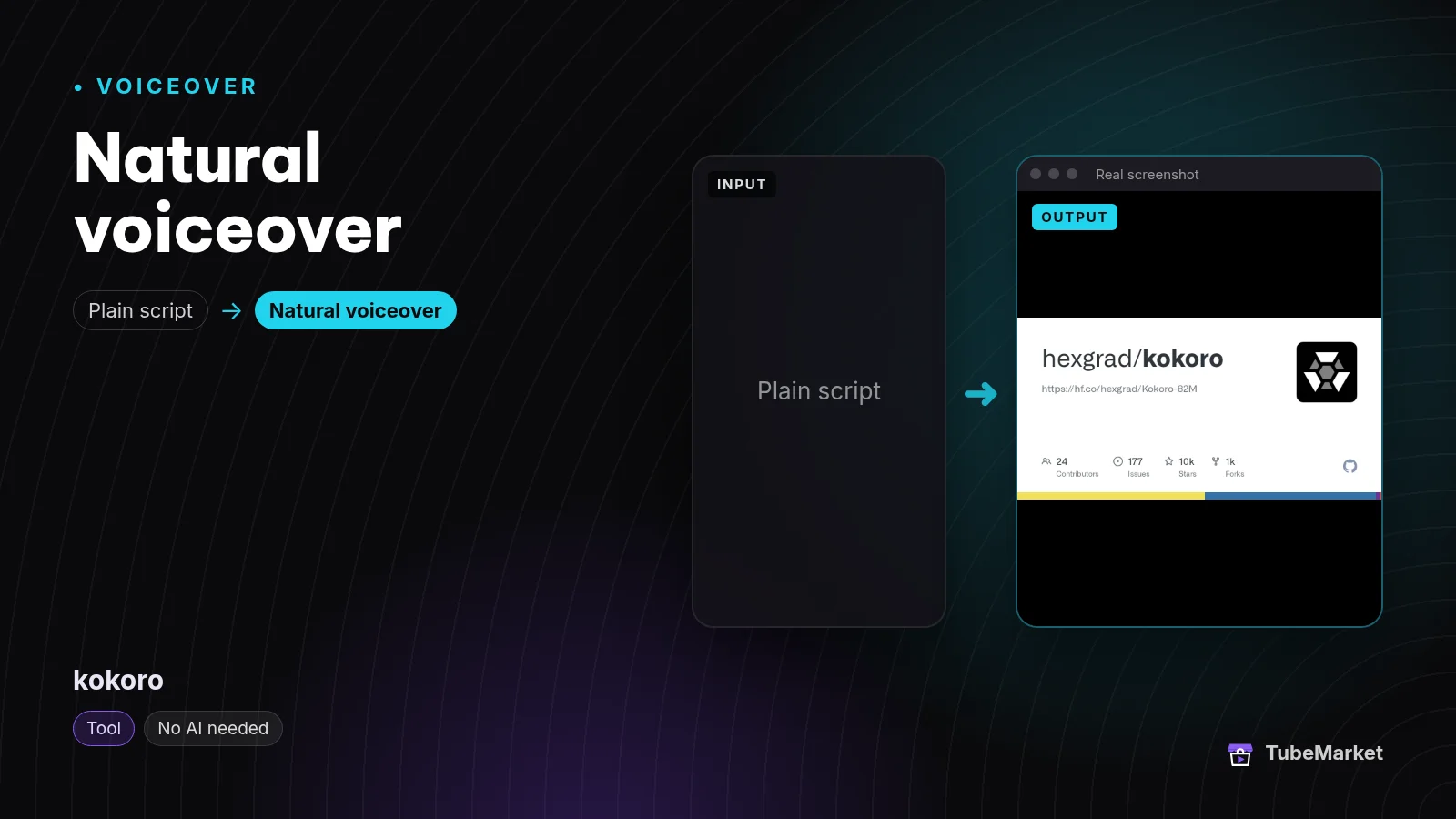

The Kokoro-82M model card describes Kokoro as an open-weight text-to-speech model with 82 million parameters and Apache-licensed weights. You pick from the voices it ships. It does not clone a clip you upload.
Try it in the browser on the Kokoro-TTS space before you install anything.
- Pros: runs locally, and the model card publishes the weights under Apache 2.0.
- Cons: you are limited to the included voices. Listen to your own script. A voice that sounds fine on a demo line can fall flat on a long narration.
2. Kokoro-TTS-Subtitle: the read and the captions together
Read text aloud and export timed SRT subtitles
 Kokoro-TTS-Subtitle · by NeuralFalcon
Reads your script aloud with Kokoro voices and exports a time-synced SRT subtitle file alongside the audio, handy for faceless Shorts. Free Hugging Face Space; no API key.
For: Voiceover, Captions · Faceless storytelling, Shorts
This Hugging Face space reads text with Kokoro and exports an SRT whose timings follow that audio. Faceless edits need the words on screen to match the voice. Getting both from the same pass skips a second alignment step.
- Pros: one pass gives you narration and a subtitle file.
- Cons: it is a hosted demo space, so a long production queue belongs on the local Kokoro install above. Check the space is up before you depend on it.
3. Piper: fast offline speech, from an archived repo
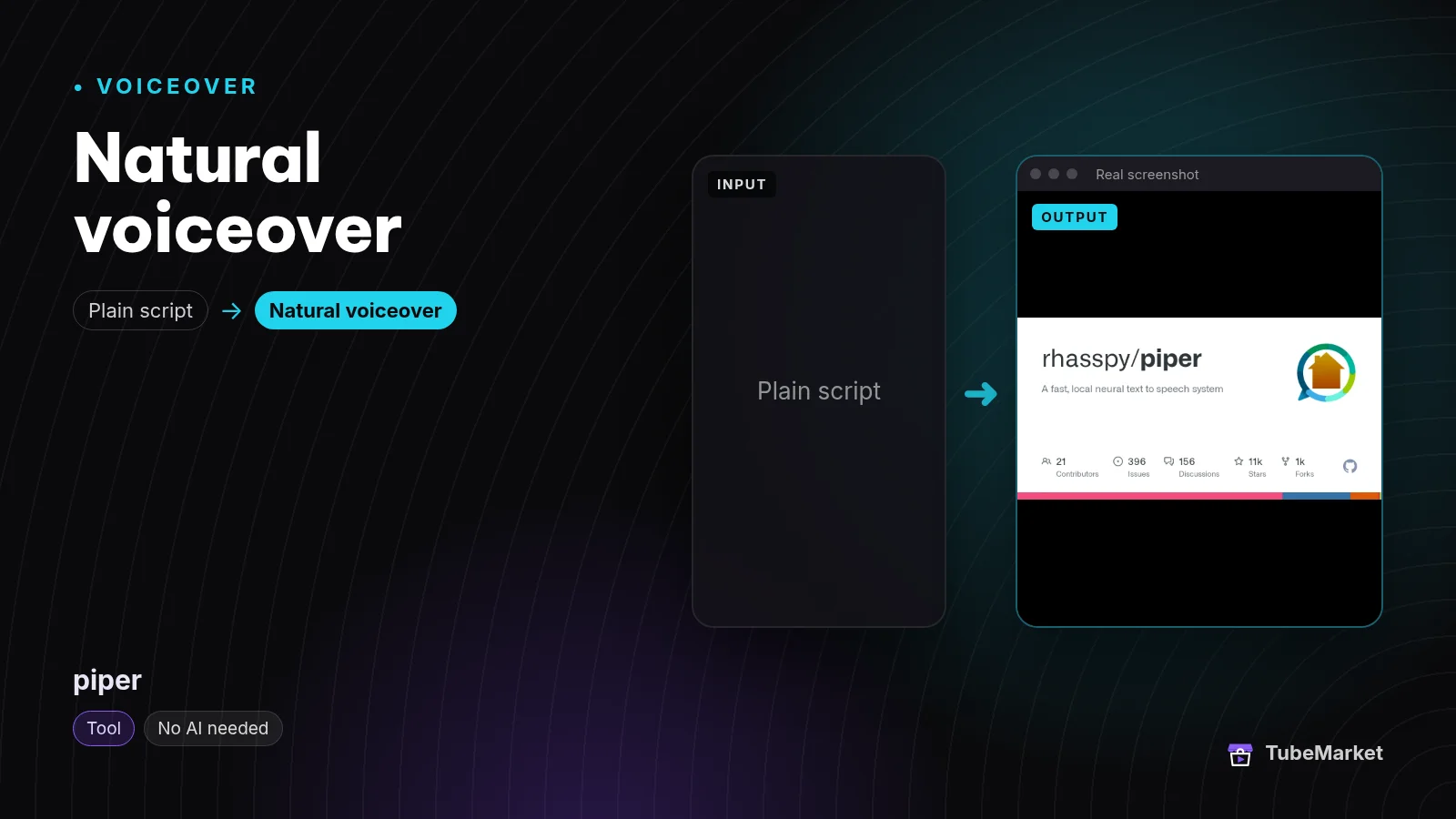

Piper is a local neural text-to-speech system. GitHub marks the rhasspy/piper repository as archived, and the README says development has moved to OHF-Voice/piper1-gpl. The TubeMarket listing still points at the archived repo. Piper speaks with pretrained voices. It does not clone one.
- Pros: built to run locally. The archived repo is MIT licensed.
- Cons: the shelf item is the archived tree. Read the new repo's license before you ship a product on it. That new project is not a separate TubeMarket listing yet.
4. edge-tts: Microsoft voices from Python
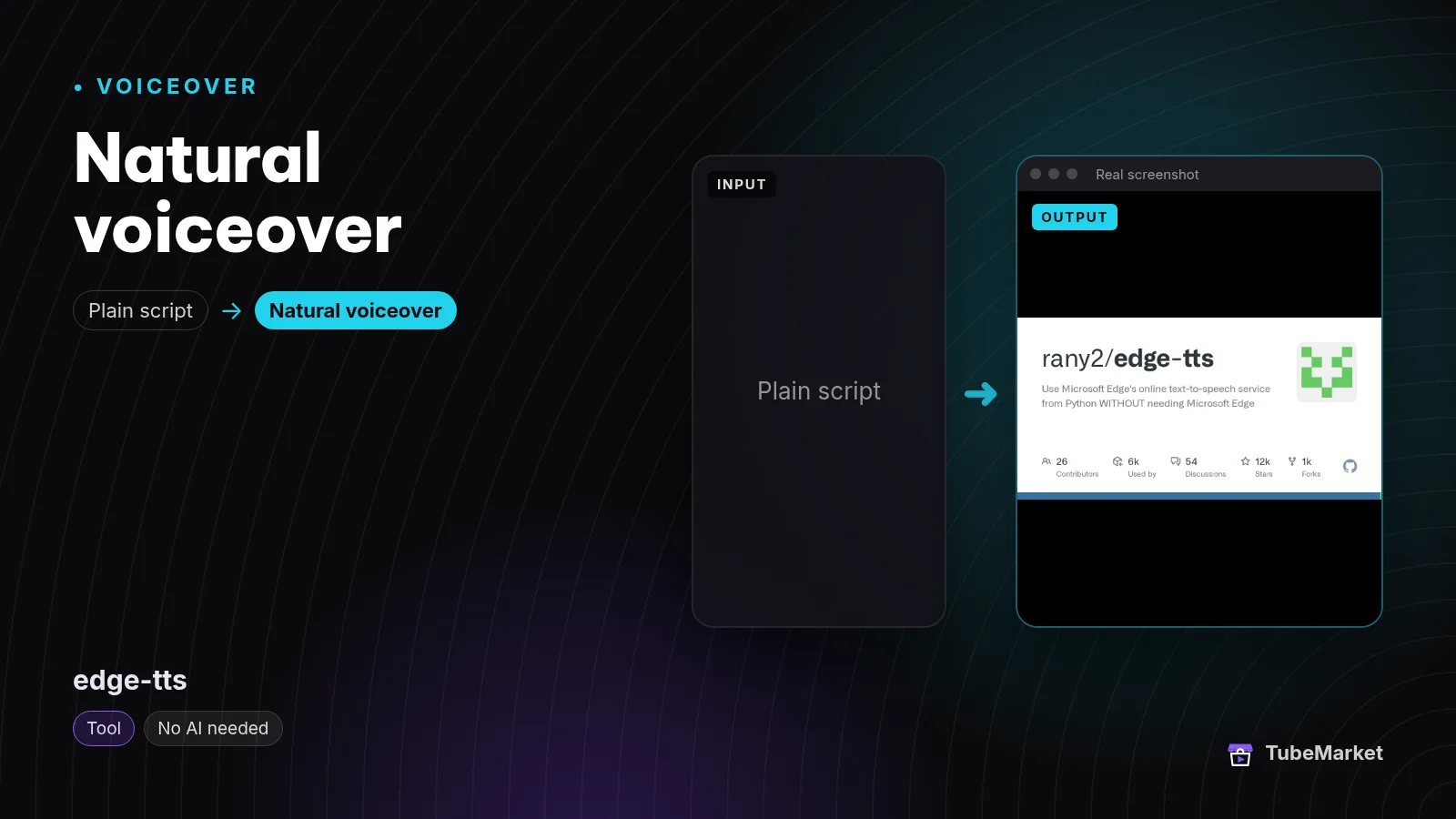

edge-tts calls Microsoft Edge's online text-to-speech service from Python. You do not install a model, and you do not need the Edge browser. The audio only exists while that service answers, and use of the service sits under Microsoft's terms.
- Pros: a large set of ready-made voices, with nothing to download.
- Cons: this is not an offline model, and the license is not one you control. A channel that must keep working without a third-party voice service should pick Kokoro or Piper.
5. Chatterbox: expressive speech and cloning
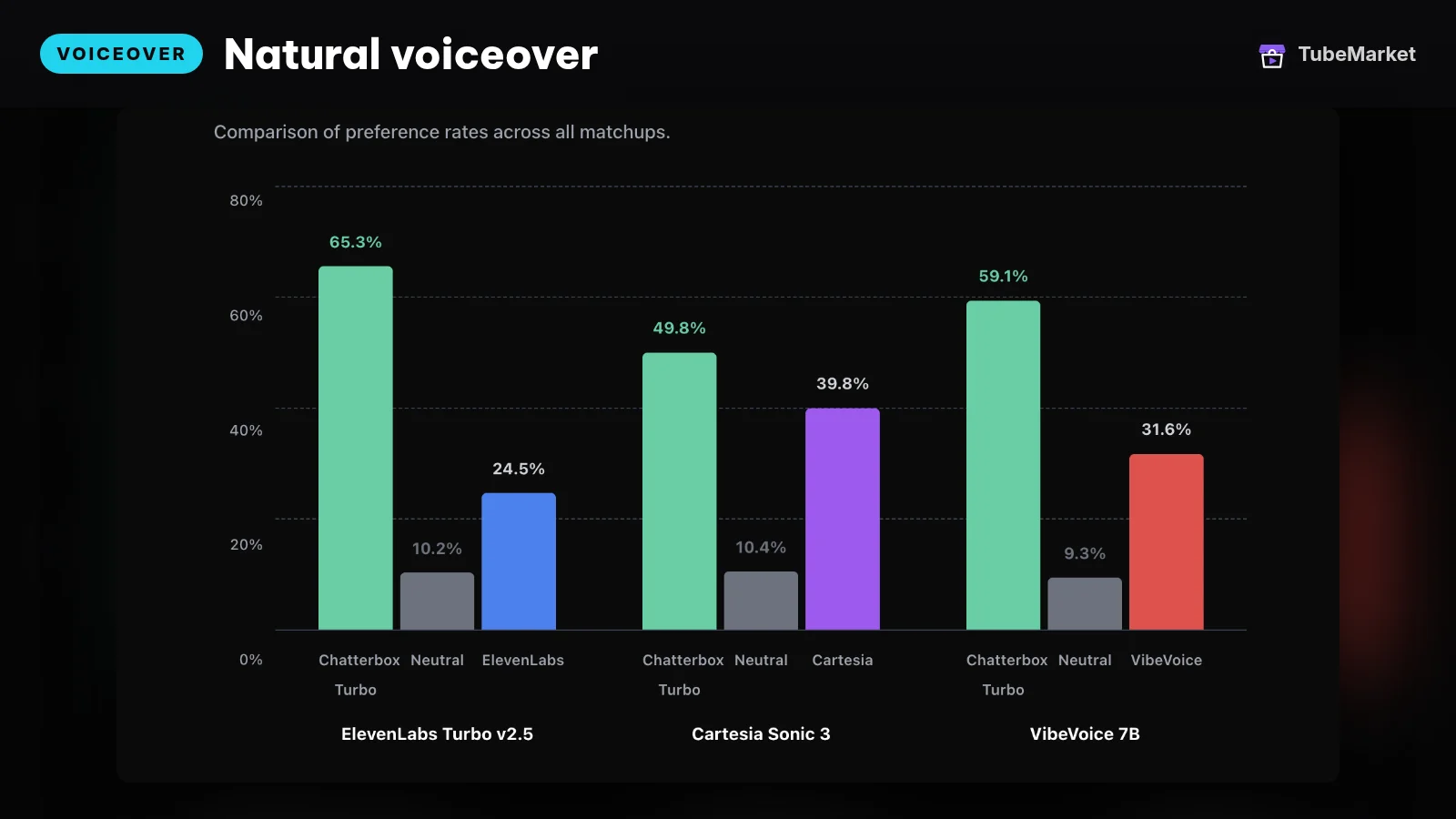
Chatterbox is an open-source text-to-speech family from Resemble AI. The README describes exaggeration controls on the original model, paralinguistic tags such as [laugh] on the Turbo model, and voice cloning. The GitHub license is MIT. A browser demo is listed as Chatterbox TTS.
- Pros: useful when a flat read is the problem, and when you need a clone of a voice you have rights to.
- Cons: the README describes several model sizes. Pick the one that fits your machine, and render a full script before you lock a channel voice.
6. OpenVoice: instant cloning
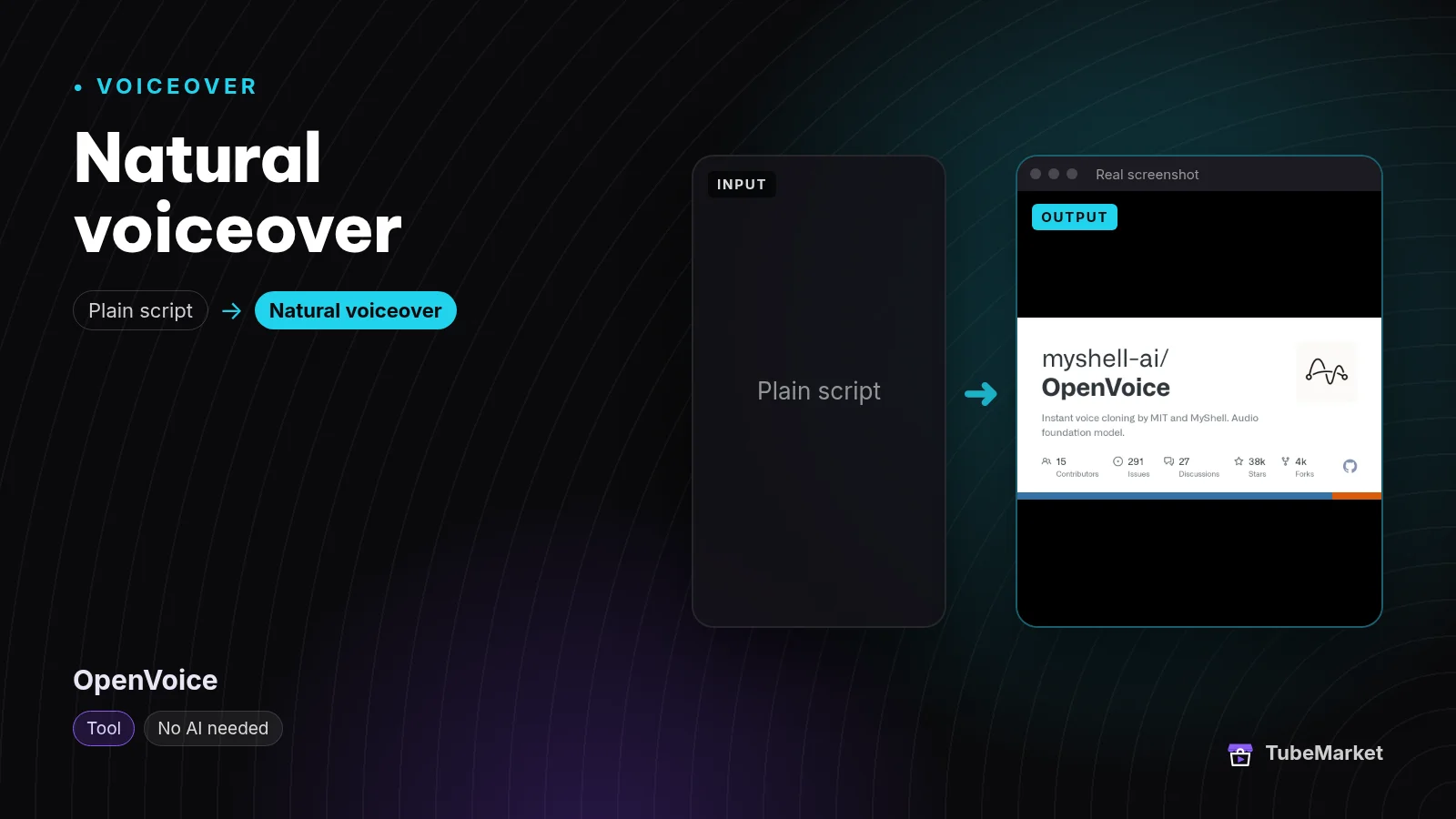

The OpenVoice README describes instant cloning of a reference tone, including speech in multiple languages, and states that V1 and V2 are MIT licensed and free for commercial use.
- Pros: you bring a short reference clip, and the README states a permissive license.
- Cons: the clone is only as legitimate as the clip. Use your own voice, or a voice you have permission to clone.
7. GPT-SoVITS: few-shot training
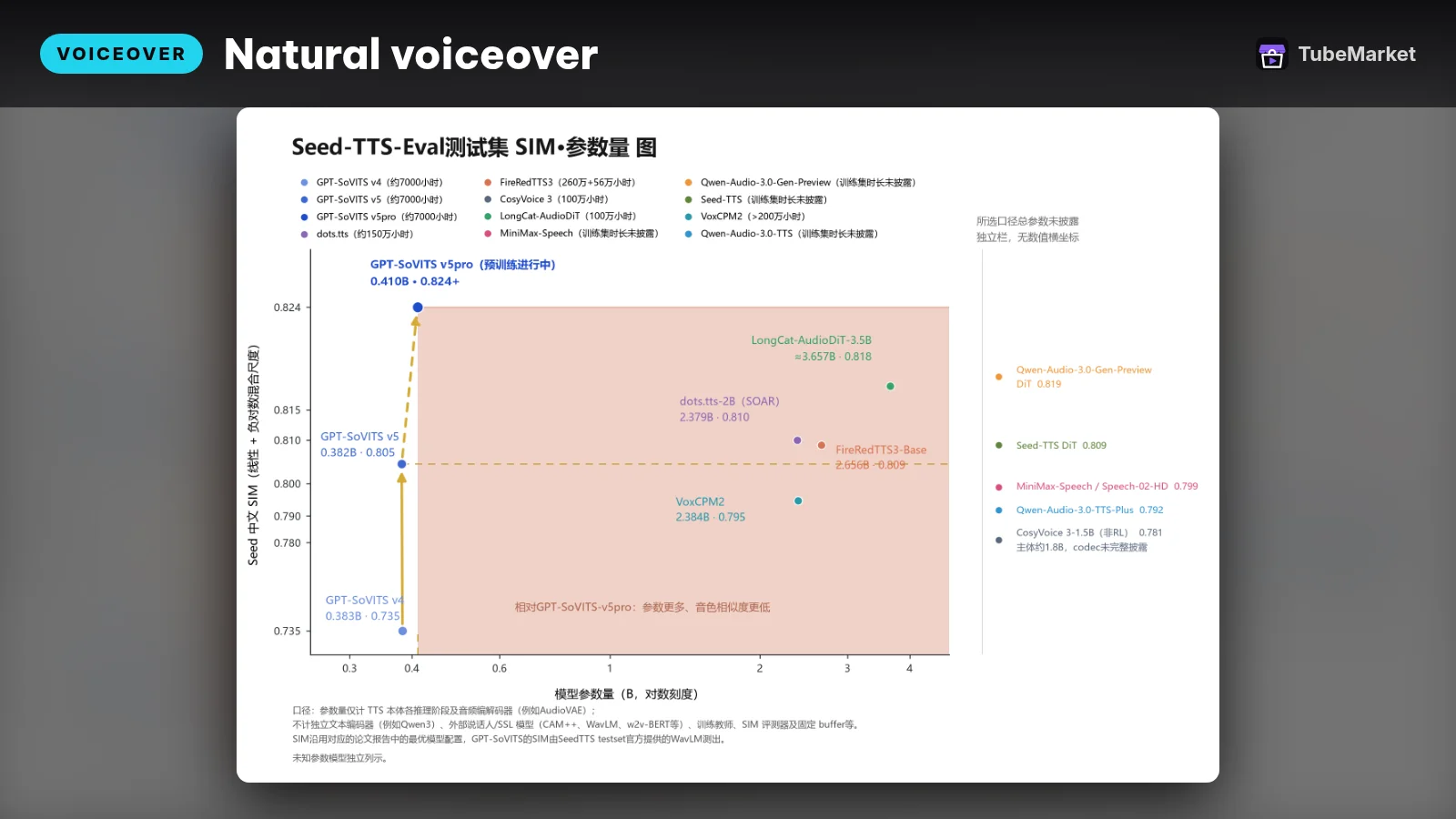

The project describes itself as few-shot voice cloning. Its GitHub description says one minute of voice data can be used to train a TTS model. The code license on GitHub is MIT. That sentence is the project's claim, not a result we measured.
- Pros: a path to a house voice when the stock voices do not fit, starting from a short recording you are allowed to use.
- Cons: training is a different job from pressing speak. Listen for mispronunciations on names and numbers before you publish.
8. Fish Speech: multilingual, with a commercial gate

Fish Speech is a multilingual TTS project. The Fish Audio Community License allows research and non-commercial use, and a community commercial license while annual revenue is under USD 500,000. Above that threshold, and for a hosted speech service, the agreement says you need a separate license from Fish Audio. It also forbids generating speech that imitates an identifiable person without consent.
- Pros: a candidate when the video is not in English and you have read the license.
- Cons: a monetized channel has to check the revenue terms. "Open source" on the shelf does not mean unrestricted commercial use.
9. ChatTTS: dialogue, copyleft
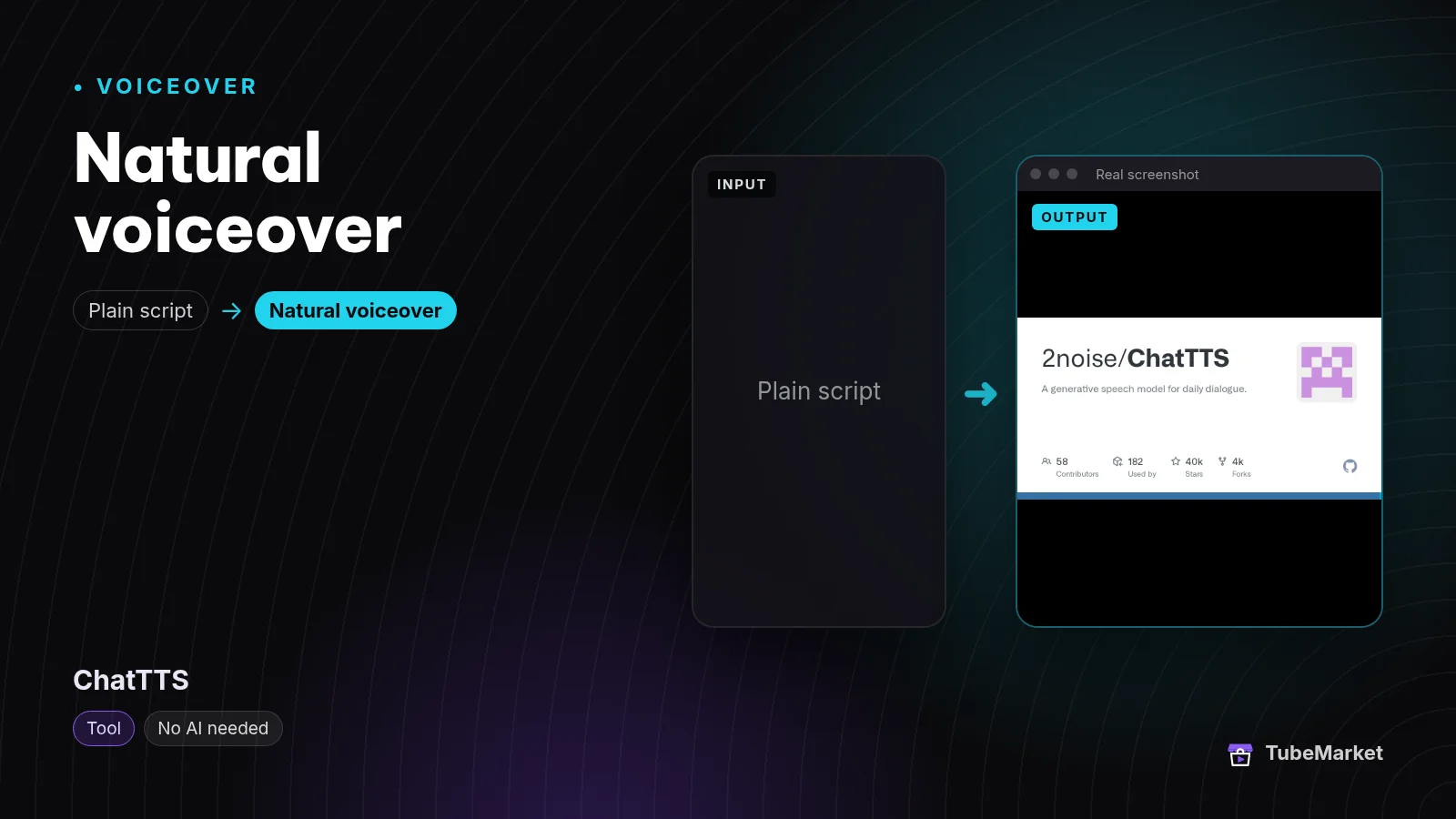

ChatTTS is a generative speech model aimed at everyday dialogue. The GitHub license is AGPL-3.0.
- Pros: a better fit for two-hander skits and conversational lines than for a single calm narrator.
- Cons: AGPL is copyleft. If you ship the program, not just the audio, read that license and keep it intact. The model is generative, so listen to the take you will actually publish.
10. Bark: speech and other sounds
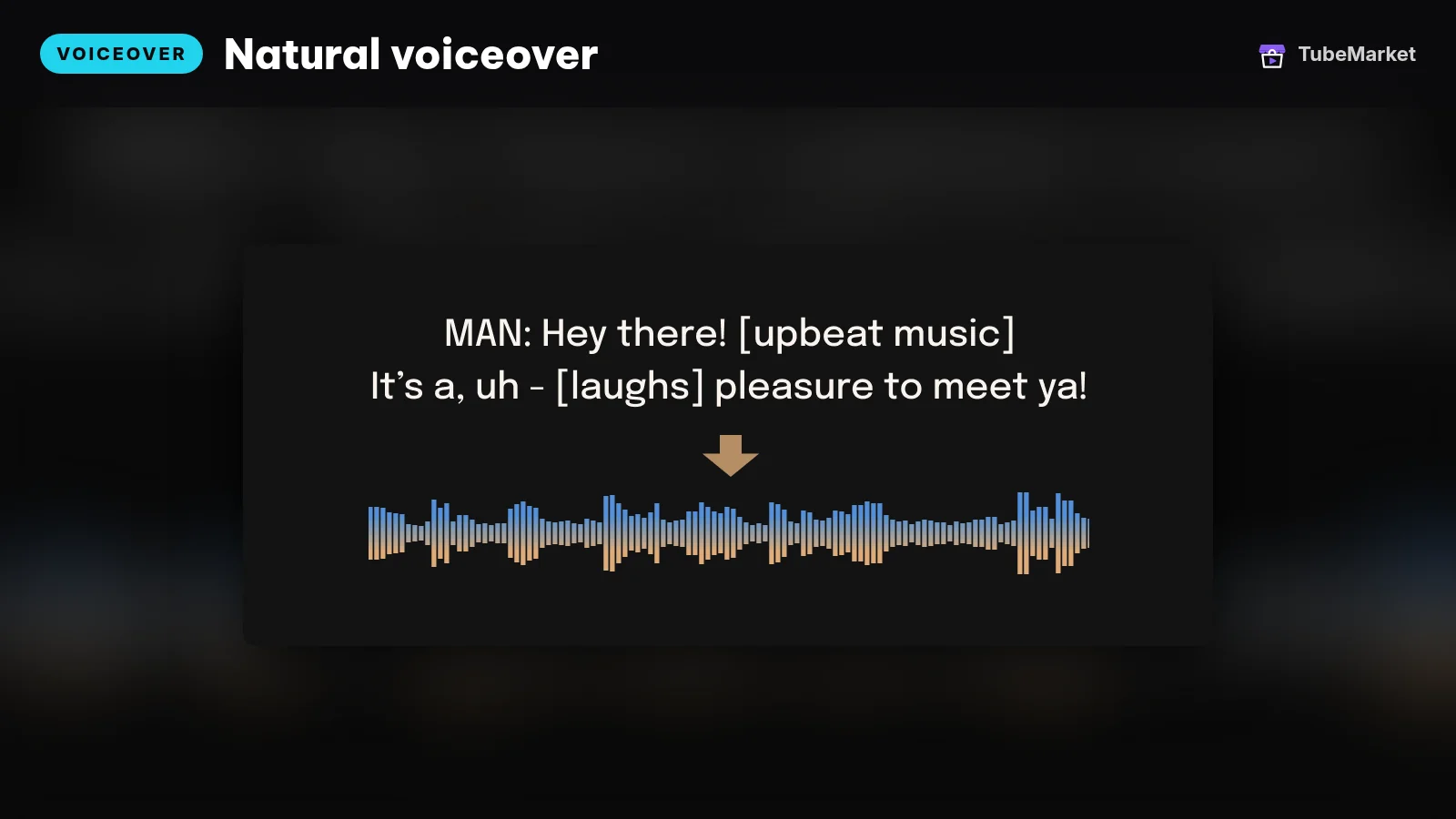

Bark is a text-prompted generative audio model from Suno. It produces speech and other audio, under the MIT license. That covers a line that needs a non-speech sound a narrator voice cannot do.
- Pros: one model covers voice and other audio, under MIT.
- Cons: generative audio changes between runs. Save the take you like. A fresh sample every video will not stay one house voice.
11. F5-TTS: fluent speech, non-commercial weights
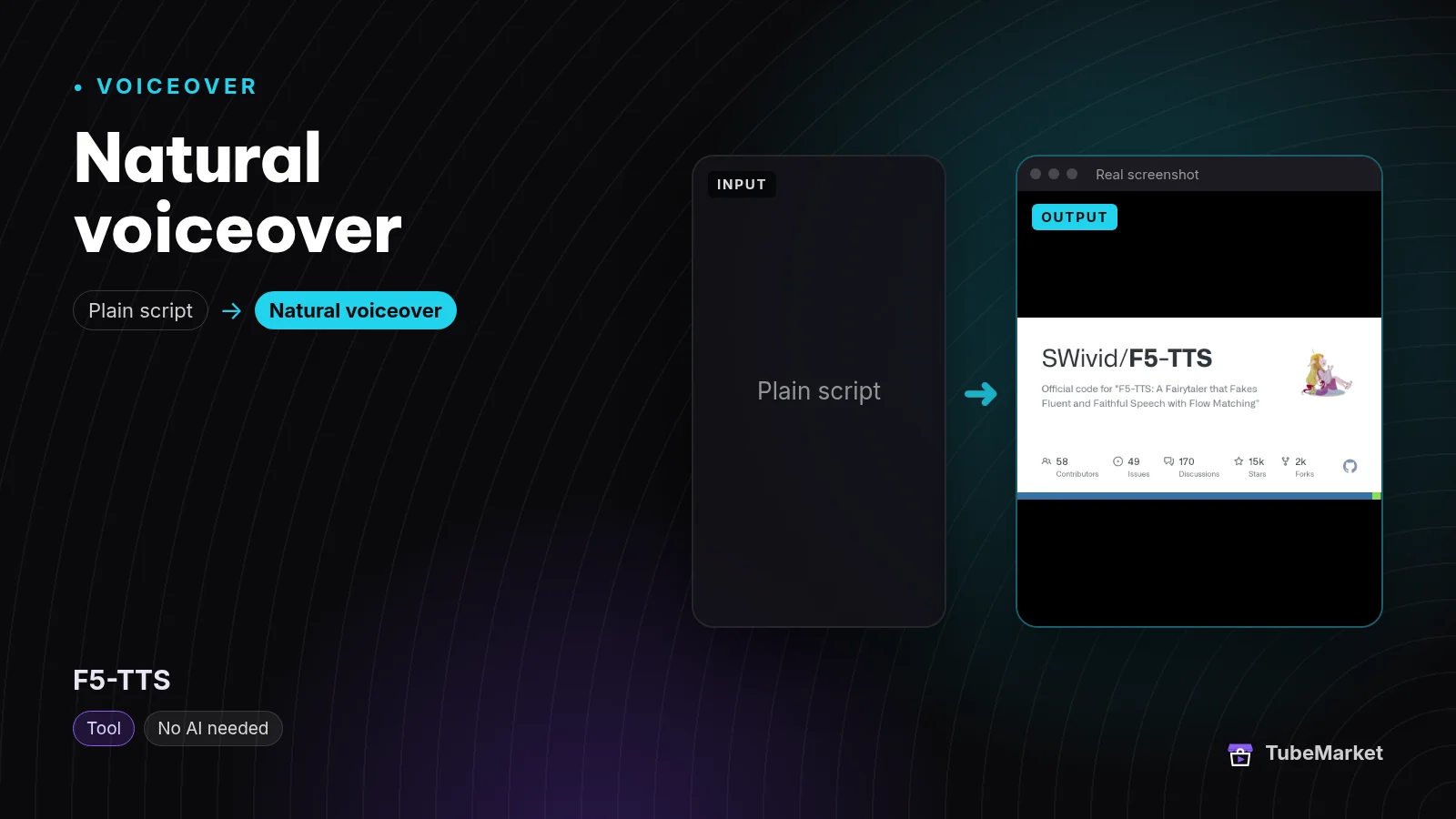

The F5-TTS README says the code is MIT and the pre-trained models are CC-BY-NC because of the Emilia training data.
- Pros: the code is there if you want a flow-matching TTS to experiment with.
- Cons: CC-BY-NC weights are the wrong default for a channel that earns money. Kokoro, OpenVoice, Chatterbox and Bark keep a permissive license.
12. Coqui TTS: the toolkit, after the company stopped
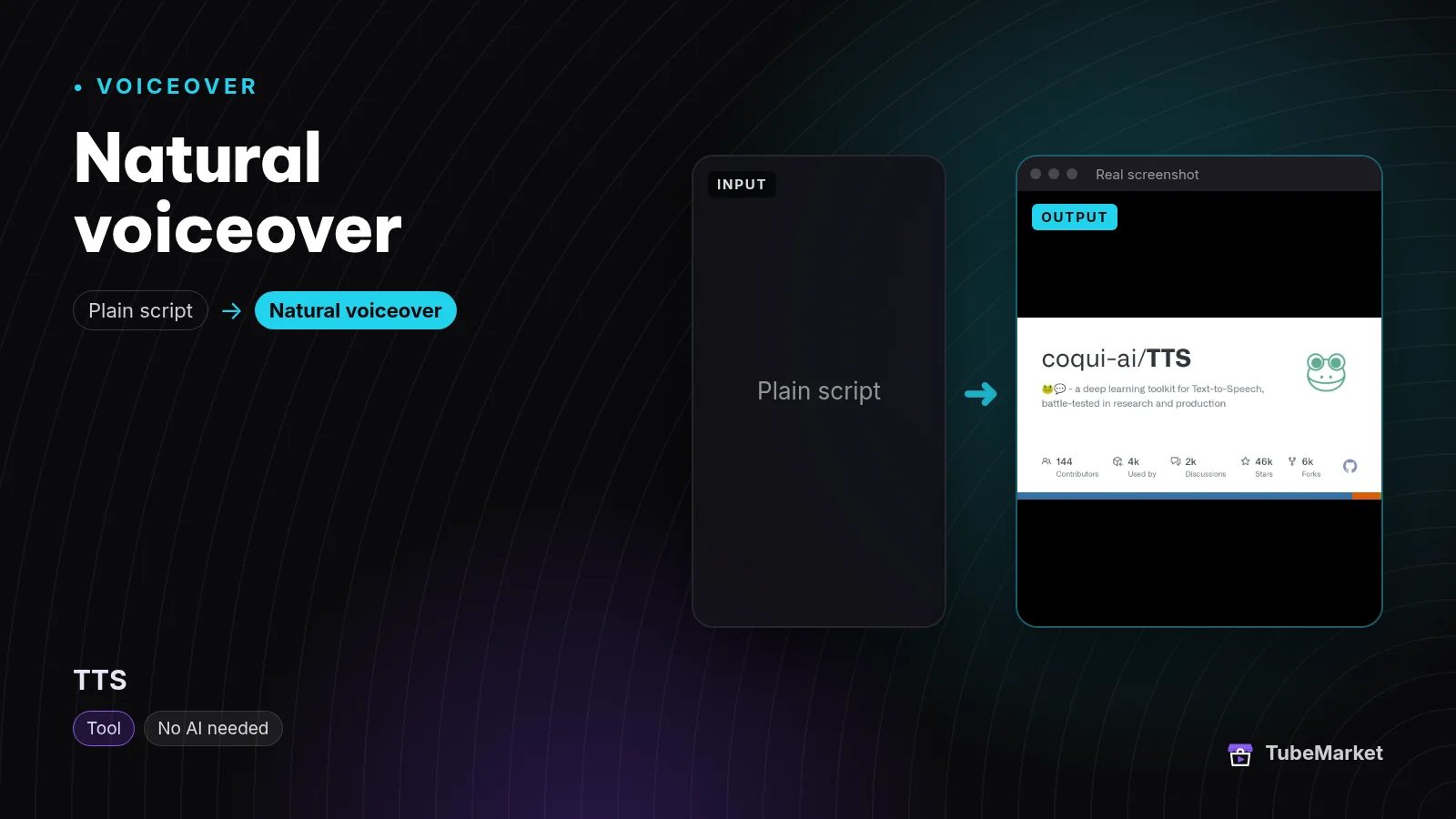

Coqui TTS is an open toolkit that includes XTTS for voice cloning. The repo license is MPL-2.0. A January 2024 discussion on the repository records that Coqui was shutting down.
- Pros: a known cloning toolkit, still on the shelf, with a written license.
- Cons: the company that maintained it stopped. Treat the repo as unmaintained. Pin a commit and listen for breakage before you build a weekly channel on it.
When the voice is one step in a bigger pipeline
Some listings are not a voice model. They call a voice model while they build the whole short.
MoneyPrinterTurbo
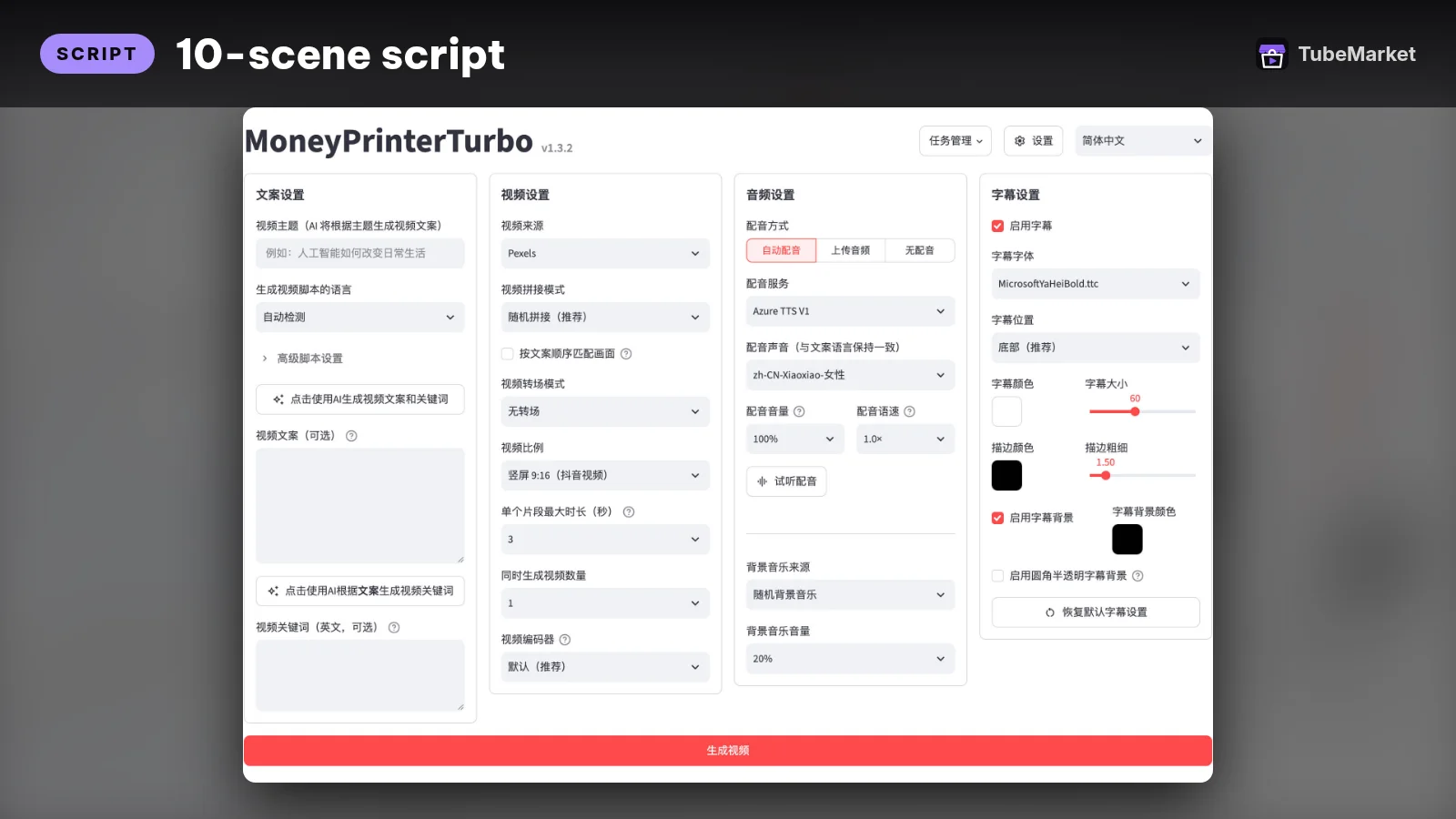

One topic goes in, and a short video comes out: script, voice, pictures, captions, music and the edit. The listing says it needs an LLM key (OpenAI, DeepSeek, Gemini or a local Ollama model) and a Pexels key. The code license is MIT.
- Pros: a fast way to see a full faceless short, voice included.
- Cons: you inherit every service it calls. The voice is whichever engine that project is wired to. Review the cut. A pipeline does not know which line is the point of the video.
An n8n short that reads with ElevenLabs
Make Shorts from a prompt with OpenAI and ElevenLabs
 Generate YouTube Shorts from prompts with OpenAI, ElevenLabs and Pexels · by n8n community
n8n workflow: a form prompt goes to OpenAI for a 60-second script, ElevenLabs voices it, Pexels supplies vertical B-roll, FFmpeg stitches the Short and it uploads to YouTube. Needs n8n plus OpenAI, ElevenLabs and Pexels accounts.
For: Script, Voiceover · Shorts, Faceless storytelling
This public n8n workflow writes a short script with OpenAI, reads it with ElevenLabs, pulls vertical clips from Pexels, stitches them with FFmpeg and uploads to YouTube. The template is listed as free. OpenAI, ElevenLabs and Pexels bill their own APIs.
ElevenLabs itself is not a TubeMarket listing. It is a hosted voice service at elevenlabs.io. Check current plans on their site. A second workflow on the shelf, Create Shorts end to end with OpenAI and ElevenLabs, calls the same voice service.
- Pros: a hosted voice, so you skip a local model install.
- Cons: the script leaves your machine, and the cost follows that vendor's pricing.
A practical faceless workflow
- Write the script for the ear. Short sentences. Names and numbers spelled the way you want them said. A free ChatGPT script writer is on the shelf as Write video scripts free with an AI GPT. A faceless prompt pack is Write faceless YouTube videos with prompts. The price of that pack is on the source page.
- Read the whole script in one voice. Start with Kokoro if you want it local. Use OpenVoice or GPT-SoVITS only for a voice you have rights to.
- Export captions with the read when the tool can do it (Kokoro-TTS-Subtitle). If you already have a finished video, burn word-by-word captions with word-captions.
- Write the pictures to match each line with B-roll Prompt Director. The skill writes prompts. It does not call an image API.
- Edit the cut yourself. Silence cutting, zooms and reframing are covered in Best AI video editing tools for YouTube.
Browse every voice listing on the voiceover stage, or start from faceless storytelling if you want the whole stack, not just the voice.
How to choose
- Start from the license if the channel earns money. Apache and MIT listings (Kokoro, OpenVoice, Chatterbox, Bark, GPT-SoVITS, and the archived Piper repo) are the simple set. Fish Speech and F5-TTS need a license read first.
- Fixed voice or a clone. A fixed voice is the right default for a faceless narrator. Clone only when you have a recording you are allowed to use, including your own.
- Offline or hosted. Kokoro and Piper keep the script on your machine. edge-tts and the ElevenLabs workflows do not.
- One voice for the channel. Generate a short sample of your real intro, not a demo sentence, and keep that voice for every video.
- Keep the taste. The tool can read the script. You still decide the hook, the order and the last line.
Comparison
- Kokoro (`hexgrad-kokoro`): Apache-2.0 weights; local; fixed voices; model card states 82 million parameters
- Kokoro-TTS-Subtitle (`tb-019`): Kokoro in a browser space; also exports SRT
- Piper (`rhasspy-piper`): MIT on the archived repo; local; fixed voices; development has moved
- edge-tts (`rany2-edge-tts`): calls Microsoft's online voices; not an offline model
- Chatterbox (`resemble-ai-chatterbox`): MIT; cloning and expressive controls, per the README
- OpenVoice (`myshell-ai-openvoice`): MIT; instant cloning of a reference clip
- GPT-SoVITS (`rvc-boss-gpt-sovits`): MIT; few-shot training; the project describes a one-minute sample
- Fish Speech (`fishaudio-fish-speech`): community license; commercial terms include a USD 500,000 annual-revenue threshold
- ChatTTS (`2noise-chattts`): AGPL-3.0; dialogue-style speech
- Bark (`suno-ai-bark`): MIT; speech and other audio
- F5-TTS (`swivid-f5-tts`): code MIT; pretrained weights CC-BY-NC
- Coqui TTS (`coqui-ai-tts`): MPL-2.0; company shutdown recorded in a January 2024 repo discussion
- MoneyPrinterTurbo (`harry0703-moneyprinterturbo`): MIT code; full short; needs an LLM key and a Pexels key
- n8n + ElevenLabs (`tb-001`): free workflow template; the voice API is billed by ElevenLabs
Prices and plans change. Verify them on each project's page.
FAQ
What is the best free voice for a faceless YouTube channel? For a local narrator with a permissive license, start with Kokoro. If you want a small offline install and can accept the archived repo, try Piper. "Best" here means fit, not a score we measured.
Can I clone my own voice? OpenVoice and GPT-SoVITS are the shelf items built for a reference clip or a short training sample. YouTube's help page lists cloning your own voice for voiceovers as an example that does not require an altered-content disclosure. Making a real person appear to say something they did not say does. Read the current page. The same page says that disclosing AI content, by itself, does not limit a video's audience or its eligibility to earn money.
Do these tools make money on their own? A voice is one step. The script, the pictures and whether anyone clicks are separate. This page does not quote channel revenue.
Will automatic narration sound flat? Listen to a full script, not a demo sentence. Short sentences and a single voice help. If a line is wrong, re-render that line. Publish a take you have heard all the way through.
What if I already have a talking video? That is a different job. Turn a talking video into a vertical short starts from footage of a person, not from a script.
Catalog gaps
TubeMarket does not yet list:
- a first-party skill that renders a local voice the way Cut Silence renders a cut,
- the current Piper tree at OHF-Voice/piper1-gpl,
- a standalone ElevenLabs listing (it appears inside workflows such as tb-001).
Sources
- Kokoro model card: https://huggingface.co/hexgrad/Kokoro-82M
- Kokoro code: https://github.com/hexgrad/kokoro
- Piper (archived): https://github.com/rhasspy/piper
- Piper development move, from that README: https://github.com/OHF-Voice/piper1-gpl
- edge-tts: https://github.com/rany2/edge-tts
- Chatterbox: https://github.com/resemble-ai/chatterbox
- OpenVoice: https://github.com/myshell-ai/OpenVoice
- GPT-SoVITS: https://github.com/RVC-Boss/GPT-SoVITS
- Fish Audio Community License: https://github.com/fishaudio/fish-speech/blob/main/LICENSE
- ChatTTS: https://github.com/2noise/ChatTTS
- Bark: https://github.com/suno-ai/bark
- F5-TTS: https://github.com/SWivid/F5-TTS
- Coqui shutdown discussion: https://github.com/coqui-ai/TTS/discussions/3489
- Coqui TTS: https://github.com/coqui-ai/TTS
- MoneyPrinterTurbo: https://github.com/harry0703/MoneyPrinterTurbo
- n8n workflow: https://n8n.io/workflows/16419-generate-youtube-shorts-from-prompts-with-openai-elevenlabs-and-pexels/
- ElevenLabs: https://elevenlabs.io/
- YouTube, disclosing GenAI content: https://support.google.com/youtube/answer/14328491?hl=en
- TubeMarket listings used above: hexgrad-kokoro, tb-018, tb-019, rhasspy-piper, rany2-edge-tts, resemble-ai-chatterbox, tb-025, myshell-ai-openvoice, rvc-boss-gpt-sovits, fishaudio-fish-speech, 2noise-chattts, suno-ai-bark, swivid-f5-tts, coqui-ai-tts, harry0703-moneyprinterturbo, tb-001, tb-002, tb-033, tb-047, broll-prompt-director, word-captions, silence-cutter.