Best AI YouTube Thumbnail Tools & Skills (2026)
Ranked thumbnail tools on TubeMarket: ComfyUI workflows, click-focused GPTs, template packs, background removal and upscalers, with a practical workflow and no invented CTR numbers.
By TubeMarket · · youtube thumbnail, ai thumbnail, faceless youtube, comfyui, rembg
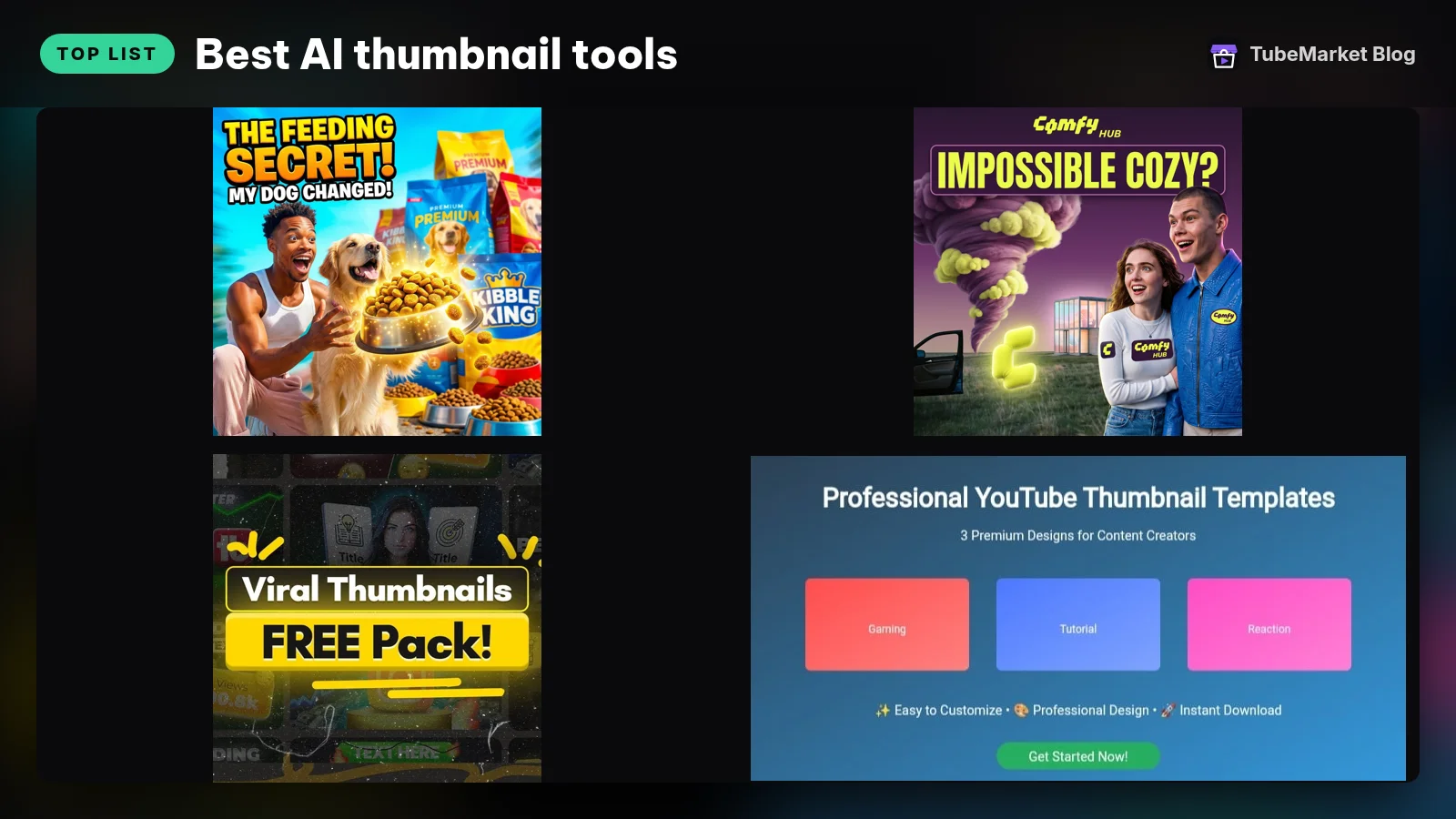
A thumbnail is the first frame of the video that people see in search and browse. It does not have to be pretty. It has to be readable at a small size, different from the neighbors on the shelf, and honest about what the video delivers. This guide ranks the thumbnail items on the TubeMarket shelf for that job. It is a fit ranking: frame-based workflows, prompt tools, template packs, cut-out and upscale utilities. It is not a click-through study, and it does not invent CTR scores.
We judged each tool on four things:
- Starting point: does it begin from your video frames, a blank canvas, or a template pack?
- Control: can you keep a house style (logo, colors, type) across uploads?
- Speed: how many steps between a finished edit and a publishable 1280×720 image?
- Cost and lock-in: free local tools versus packs and SaaS that sit on their own billing
Quick picks
- High-contrast ComfyUI layouts: YouTube Thumbnail Generator (
tb-028) - On-brand frames from your own video: Branded Comfy Thumbnail (
tb-027) - Fast AI backgrounds for faceless covers: FLUX.1-schnell Space (
tb-023) - Cut the subject cleanly: rembg (
danielgatis-rembg) - CTR-oriented GPT drafts: Thumbnail GPT (
tb-035) - Editable template packs: Pro templates (
tb-040) or free viral pack (tb-041) - Upscale before you upload: AI upscaler desktop app (
tb-067) - Titles, tags and thumbnail prompts in Studio: YouTube Studio helper (
tb-079)
A faceless channel still needs a thumbnail. The face is optional. Contrast, one clear subject and three to five readable words are not.
TubeMarket catalog, ranked
1. YouTube Thumbnail Generator: high-contrast ComfyUI layouts
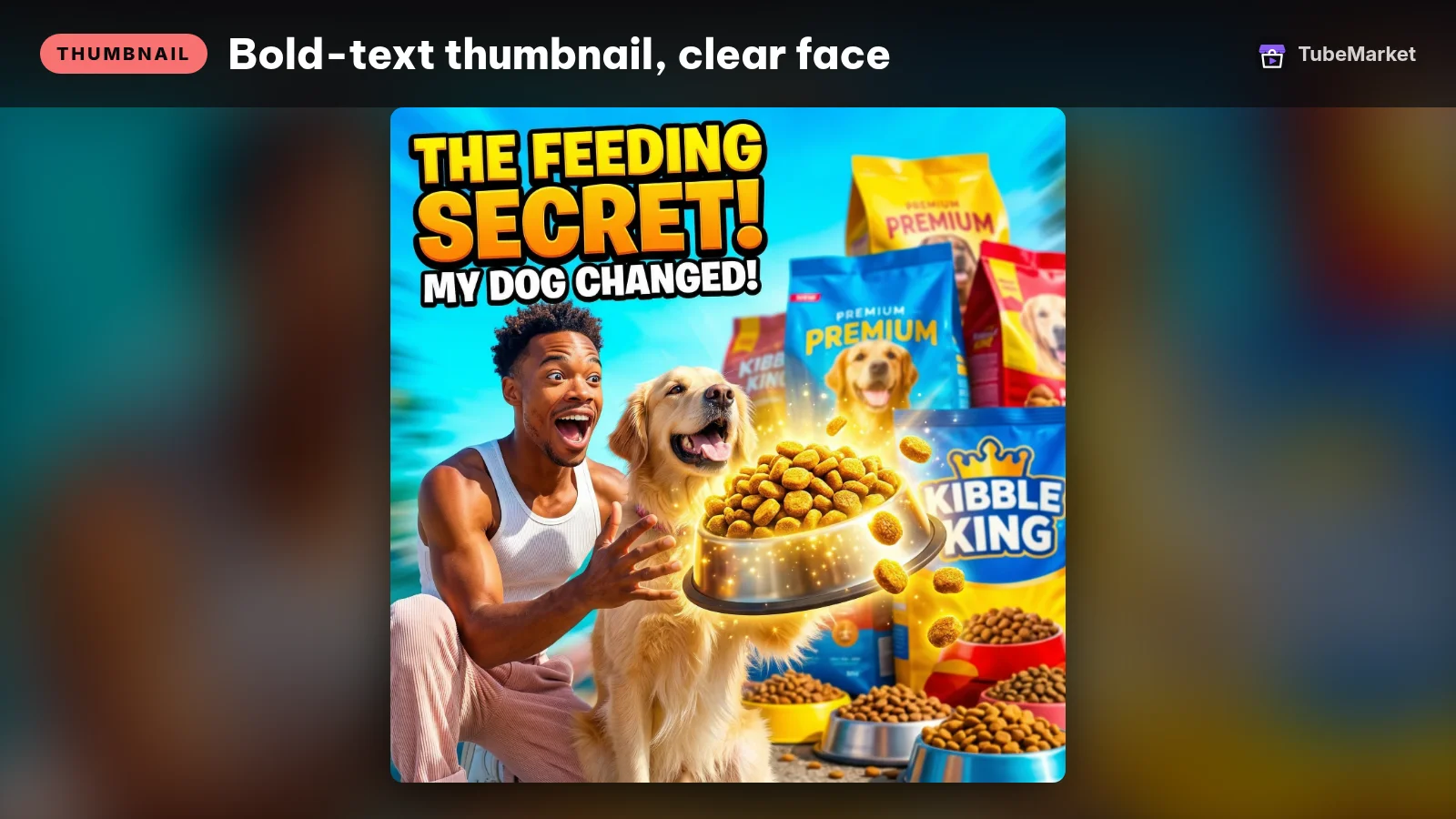
Design high-contrast YouTube thumbnails
 YouTube Thumbnail Generator (Nano Banana Pro) · by Comfy template (eric)
ComfyUI template that turns a reference image and a prompt into a high-contrast 16:9 YouTube thumbnail with Google's Nano Banana Pro model. Needs ComfyUI or Comfy Cloud and paid Gemini API credits.
For: Thumbnail · All formats
This ComfyUI workflow uses a GeminiNanoBanana2 node to lay out high-contrast YouTube thumbnails. It is aimed at the "reads from a phone" look: big subject, strong edges, limited text.
- Pros: purpose-built for YouTube size and contrast, and free to open on the Comfy template page.
- Cons: license is not stated on the listing, and it expects Gemini. Read the source page before you depend on it for a weekly cadence.
2. Branded Comfy Thumbnail: frames from your own video
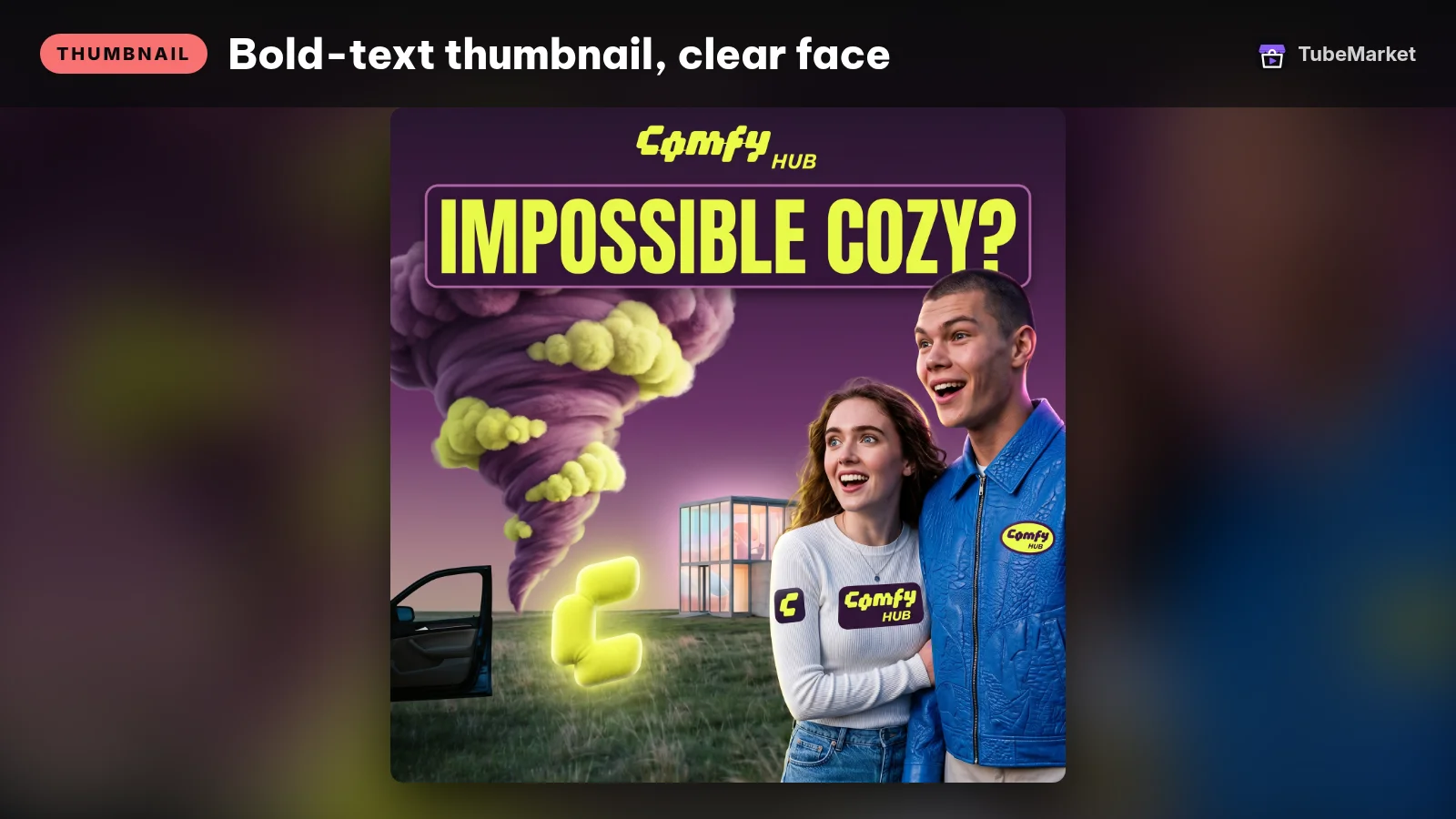
Make on-brand thumbnails from your video frames
Branded Comfy Thumbnail · by ComfyUI community
ComfyUI workflow that pulls frames from your video and lays them out with your logo and brand colors as 2-up or 4-up thumbnails, with no diffusion model. Needs ComfyUI; a Gemini node only suggests caption text.
For: Thumbnail · Talking head, Vlog
This workflow pulls frames from the video you already cut, then adds your logo and brand colors. It can output 2-up or 4-up sheets so you can pick the strongest frame.
- Pros: starts from real footage, which keeps the thumbnail honest to the video. Brand colors stay consistent across uploads.
- Cons: license is not stated. Faceless channels that never show a person will still need a subject frame (product, map, chart, character art) before this workflow helps.
3. FLUX.1-schnell: fast backgrounds and hero images
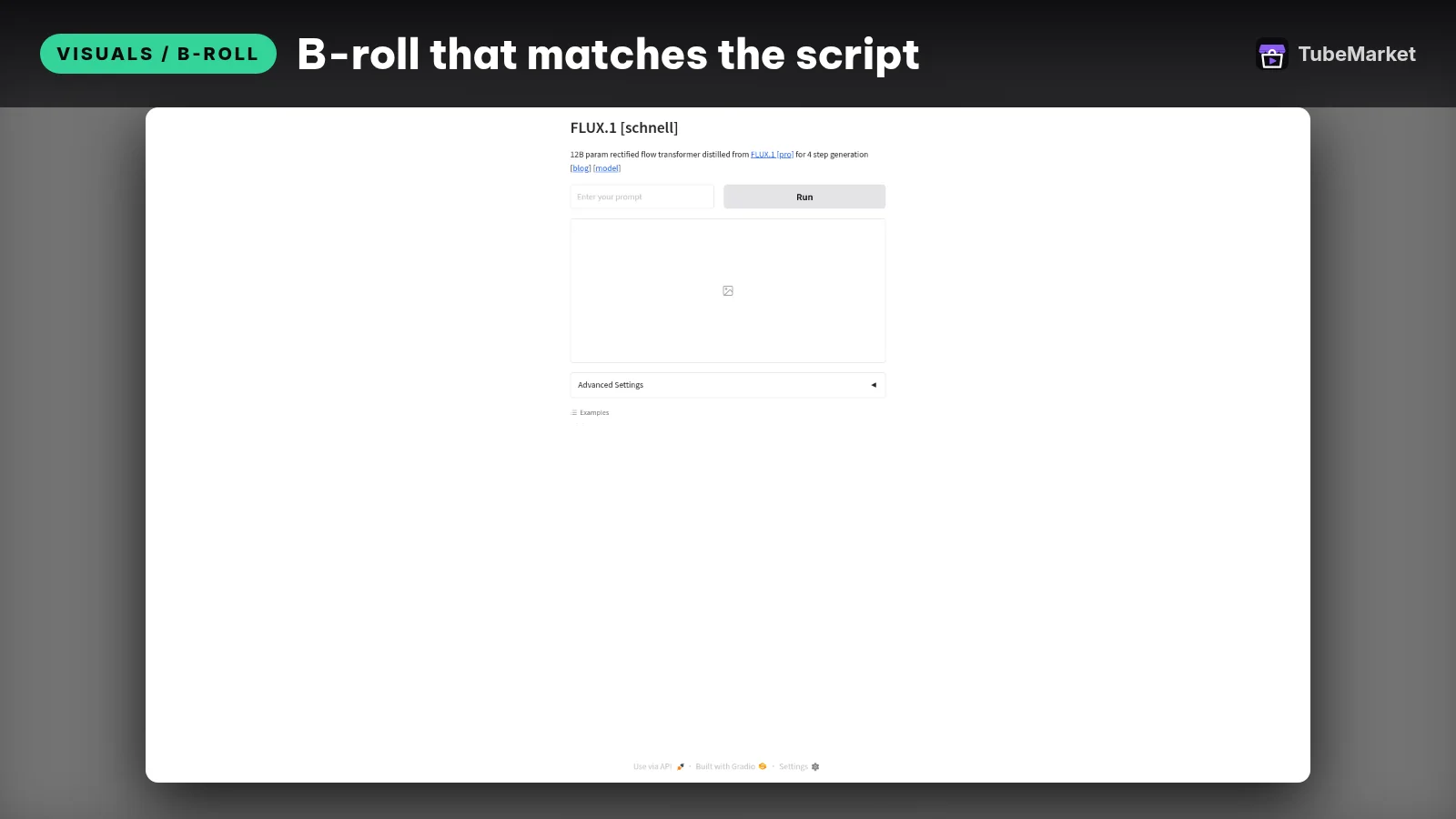
Generate b-roll and thumbnail images fast
 FLUX.1-schnell · by black-forest-labs
Generates images from a text prompt in seconds with FLUX.1 [schnell], good for B-roll stills and thumbnail backgrounds. Free Hugging Face Space; a free HF account helps with usage limits.
For: Visuals / B-roll, Thumbnail · Faceless storytelling, Top list
A Hugging Face Space for FLUX.1-schnell image generation. Faceless creators use it for the background or the single hero object behind the text, then composite the title in an editor.
- Pros: fast drafts when you do not have a usable video frame.
- Cons: a generative background is not a finished thumbnail. You still need type, crop and contrast. Check the Space and model terms before commercial use.
4. rembg: cut the subject out

rembg removes image backgrounds so you can drop a subject onto a high-contrast backplate. That single cut is the difference between a muddy screenshot and a thumbnail that pops in a grid.
- Pros: open source, local, and useful for both talking-head and object-led faceless covers.
- Cons: hair, motion blur and busy edges still need a manual clean-up pass. Rembg does not write the title for you.
5. Thumbnail GPT: click-oriented drafts inside ChatGPT

A custom GPT that proposes thumbnail layouts aimed at clicks. Useful for a first sketch of subject, text and color when you are stuck.
- Pros: zero install if you already use ChatGPT.
- Cons: it drafts ideas, not a finished YouTube-size file. Treat every suggestion as a sketch you rebuild in Comfy, Canva or CapCut.
6. Template packs: pro and free
Two listing packs of editable YouTube thumbnail templates: a professional set and a free "viral-style" pack. They are the fastest path when you want consistent type and layout without building a Comfy graph.
- Pros: speed and a fixed house layout.
- Cons: popular packs show up on many channels. Swap colors, crop and the hero object so the pack does not become a fingerprint.
7. Easy image generation + upscale on the desktop
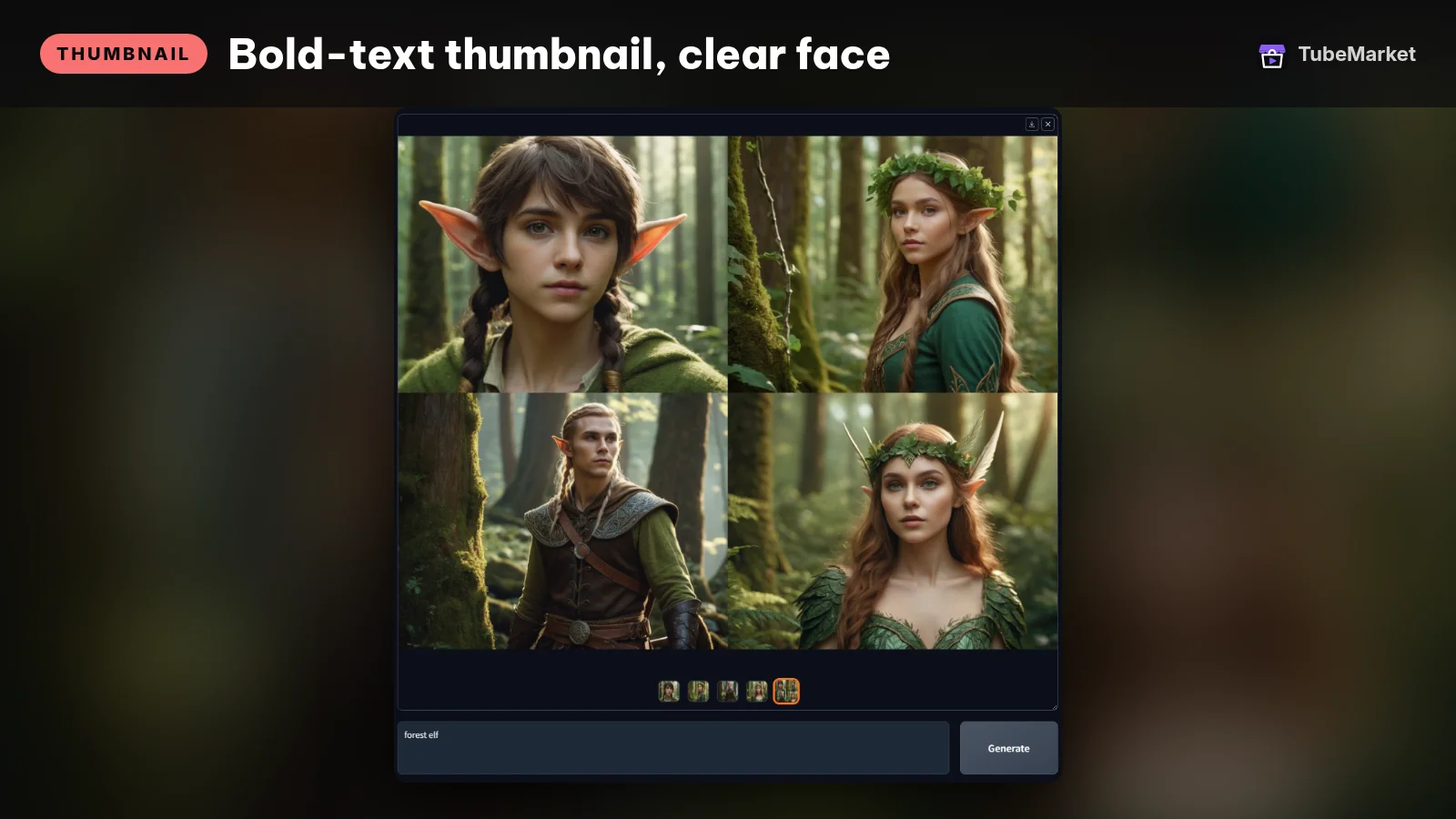

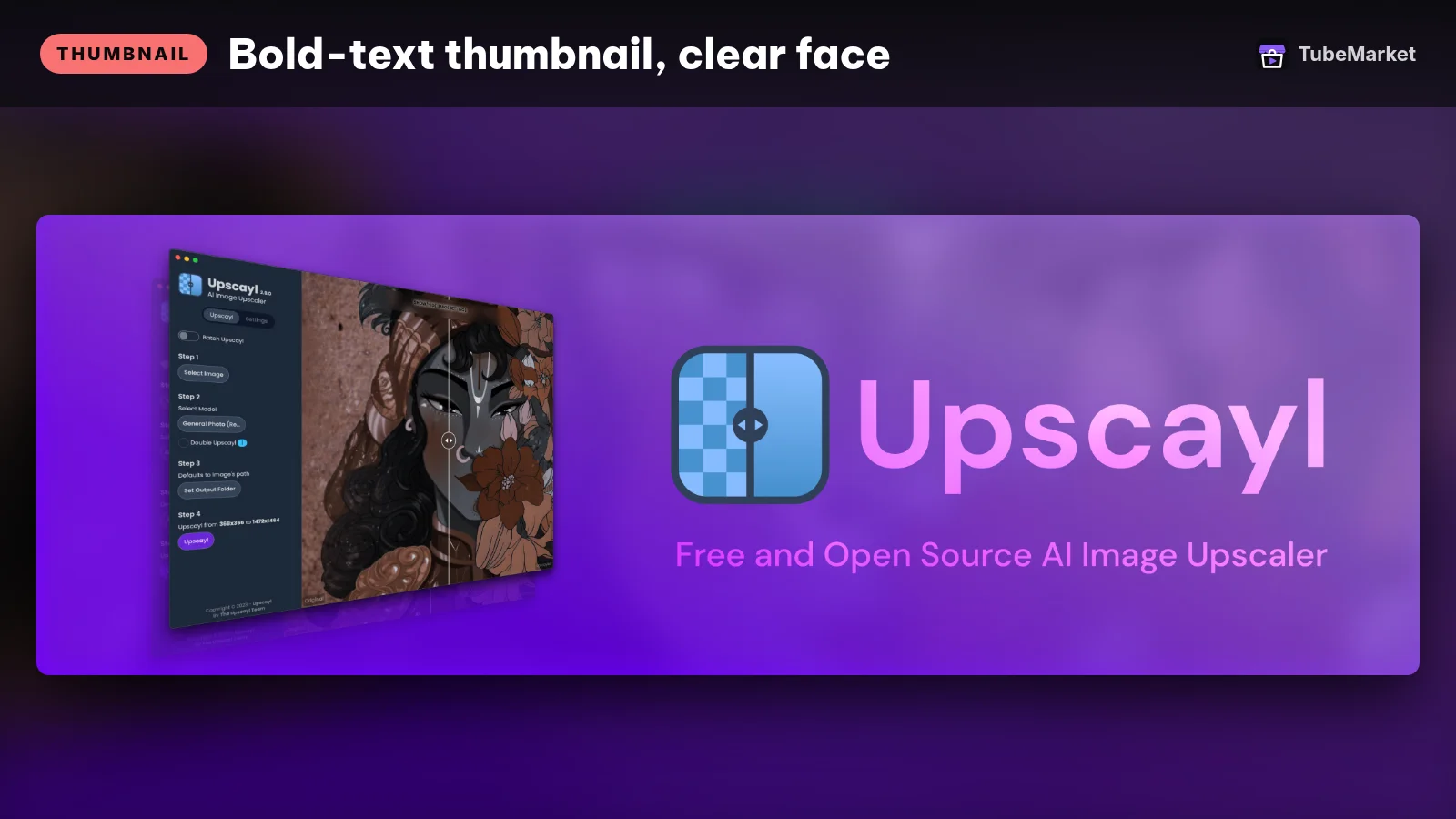

A simple desktop image generator and an AI upscaler. Generate or edit at a comfortable size, then upscale so the upload looks sharp in YouTube's larger thumbnail slots.
- Pros: local apps, no browser Space downtime.
- Cons: they are general image tools. You still design the thumbnail composition yourself.
8. Titles, tags and thumbnail prompts inside YouTube Studio
A Studio-side helper that writes titles, descriptions, tags and thumbnail prompts together. Pair it with a real image tool above so the prompt and the pixels stay in sync.
- Pros: keeps metadata and the thumbnail idea in one pass.
- Cons: a prompt is not a file. Export the image from Comfy, rembg or a template pack before you hit publish.
9. TubeBuddy: channel toolkit with thumbnail helpers
TubeBuddy is a browser extension for YouTube. Creators use it for A/B-style checks and workflow helpers around titles and thumbnails. It is a SaaS product listed by link on TubeMarket.
- Pros: lives next to Studio, so you can iterate without leaving the upload flow.
- Cons: paid features sit behind TubeBuddy's own plans. Verify current pricing on their site. It does not replace a design tool.
10. ComfyUI itself: the pipeline underneath
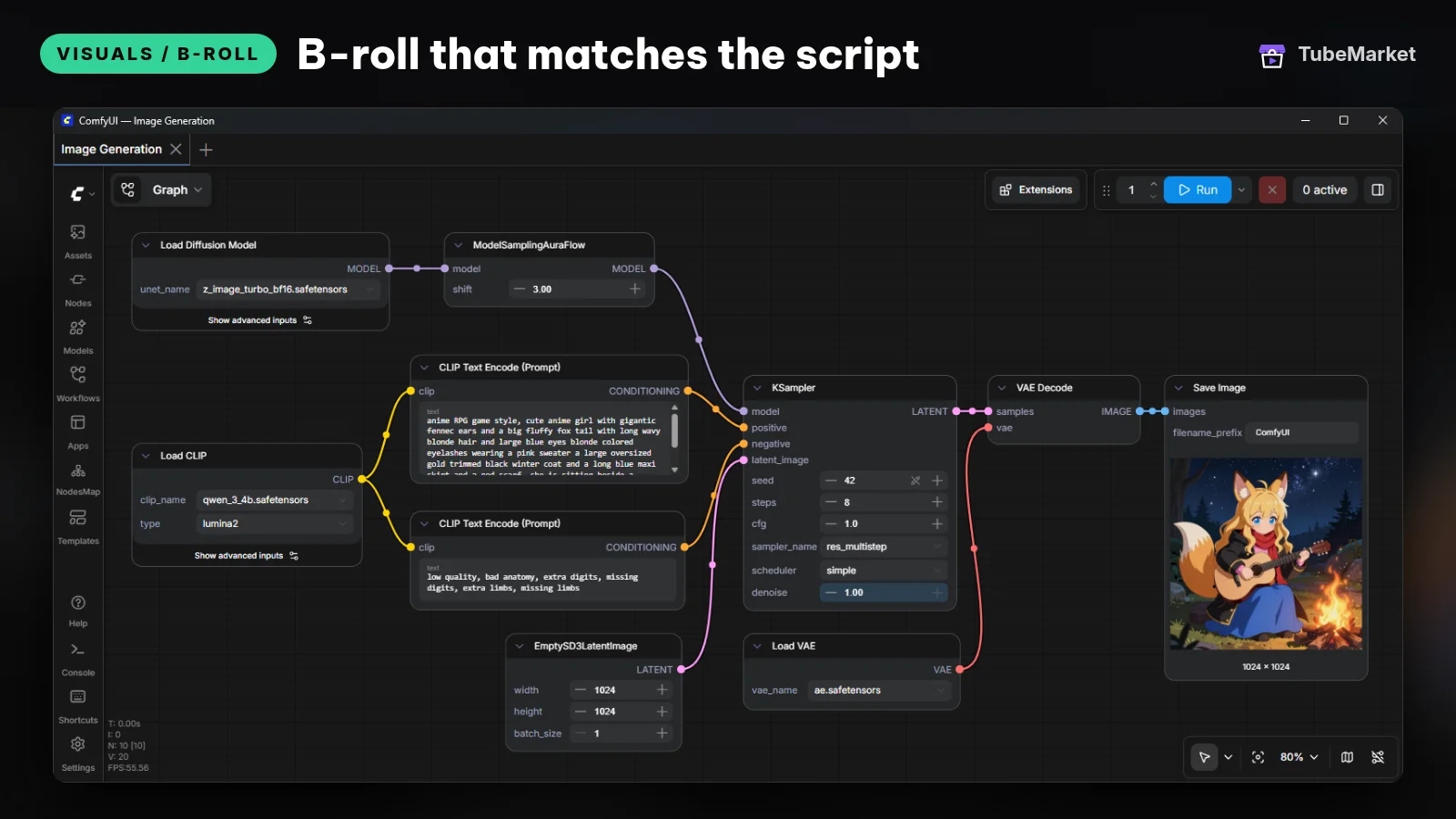

ComfyUI is the node graph behind several thumbnail workflows on the shelf. If you outgrow a single template, this is where you keep a house pipeline: load frame → cut subject → generate backplate → composite text → export at YouTube size.
- Pros: repeatable, local, and the same graph can run every upload.
- Cons: copyleft license (link, credit, keep the license). The learning curve is real the first week.
11. End-to-end channel agents (thumbnail is one step)
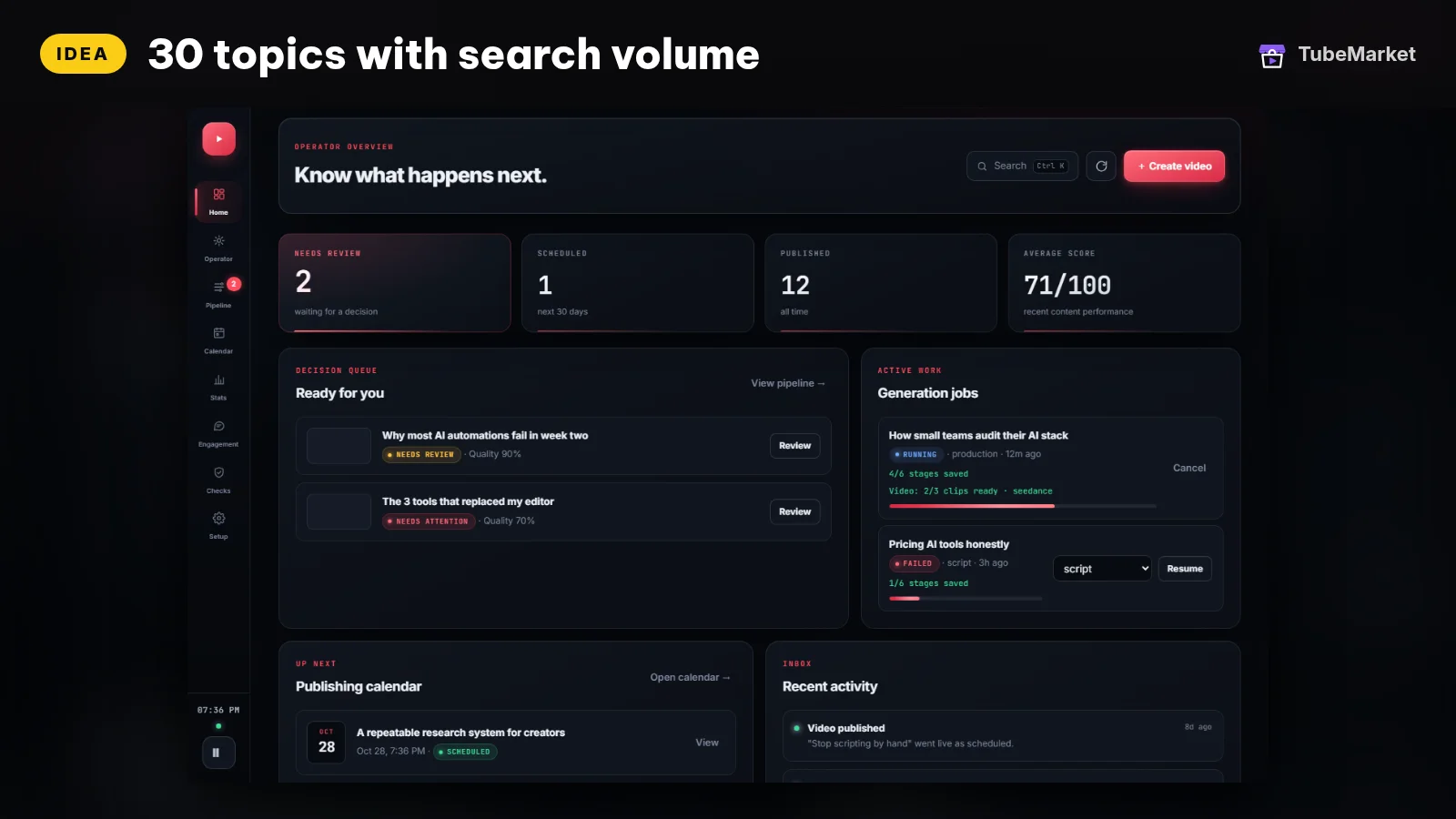
Run a YouTube channel end to end with an AI agent
 youtube-automation-agent · by darkzOGx
Open-source, self-hosted AI agent that runs a YouTube channel end to end: researches topics, writes scripts, generates narration, visuals and video, optimizes SEO, and publishes after your approval, then learns from analytics. Works with Gemini, OpenAI, OpenRouter, DeepSeek and more.
For: Idea, Script · Faceless storytelling, All formats
★ 4.8k GitHub stars
Some listings research, script, narrate, make visuals and wait for your approval before publish. The thumbnail is only one frame in that chain.
- Pros: useful when you want a full draft to review.
- Cons: you inherit every model and key the agent calls. Review the cover the same way you review the cut: does it match the video promise?
A practical thumbnail workflow
- Lock the promise of the video first. The three to five words on the thumbnail should match the title, not fight it. A Studio helper such as tb-079 can draft both together.
- Pick a subject frame. From the finished edit with tb-027, or generate a hero object with tb-023 for faceless covers.
- Cut the subject with rembg when the background is noisy.
- Compose at YouTube size in tb-028, a template pack (tb-040, tb-041), or your own ComfyUI graph.
- Upscale if the export is soft with tb-067.
- Check at phone size. Shrink the image to roughly the width of a search result. If you cannot read the text, rewrite it shorter or make it larger.
Browse every listing on the thumbnail stage, or start from faceless storytelling if you want the full stack, not just the cover.
How to choose
- Start from footage when you have it. Frame-based workflows stay honest to the video. Generative backgrounds are for faceless niches that never show a usable frame.
- One house layout beats ten random styles. Reuse the same type size, logo placement and color pair so returning viewers recognize you in a grid.
- Three to five words, not a sentence. If the title already carries the keyword, the thumbnail can carry the emotion or the object.
- Local when you publish often. ComfyUI, rembg and desktop upscalers keep drafts on your machine. Spaces and GPTs are fine for exploration.
- Never invent a "proven CTR". Test on your own channel. This page does not quote click-through rates.
Comparison
- tb-028: ComfyUI + Gemini node; high-contrast YouTube layouts; license not stated on listing
- tb-027: ComfyUI; frames from your video + brand colors; 2-up / 4-up sheets
- tb-023: FLUX.1-schnell Space; fast backgrounds and hero images
- danielgatis-rembg: local background removal; open source
- tb-035: ChatGPT custom GPT; layout ideas aimed at clicks
- tb-040 / tb-041: editable template packs (pro and free)
- tb-065 / tb-067: desktop image generation and upscaling
- tb-079: titles, tags and thumbnail prompts inside YouTube Studio
- tb-081: TubeBuddy browser extension; SaaS pricing on vendor site
- comfy-org-comfyui: node graph for a repeatable local pipeline
- darkzogx-youtube-automation-agent: full channel agent; thumbnail is one step
Prices and plans change. Verify them on each project's page.
FAQ
What size should a YouTube thumbnail be? YouTube Help currently recommends 3840×2160 for video thumbnails (16:9) with a minimum width of 640 pixels, and 2160×3840 for Shorts (9:16). Upload JPG or PNG. Desktop upload limits go up to 50 MB; mobile video thumbnails are limited to 2 MB. Check the current custom thumbnail help page before you batch-export.
Do faceless channels need thumbnails? Yes. The cover still has to win the click. Use an object, chart, map, character art or bold text on a high-contrast backplate instead of a face.
Will AI-made thumbnails get my channel punished? YouTube's altered-content disclosure rules focus on making real people appear to say or do something they did not. A designed cover image is normal packaging. Read the current disclosure help page for synthetic media that depicts real people.
Can I reuse the same template every upload? Yes for layout. Change the subject and the three to five words every time so the grid does not look like one image repeated.
What if I already have a talking video? Pull frames with tb-027, cut silences and reframes as covered in Best AI video editing tools for YouTube, then design the cover last.
Catalog gaps
TubeMarket does not yet list:
- a first-party skill that exports a finished YouTube-size thumbnail the way Cut Silence exports a cut,
- a face-safe "big emotion" talking-head layout skill with brand kit baked in,
- a side-by-side thumbnail A/B helper that uses your own Studio analytics (beyond what SaaS extensions already sell).
Sources
- YouTube Help, custom thumbnails (size and formats): https://support.google.com/youtube/answer/72431
- YouTube Help, disclosing GenAI content: https://support.google.com/youtube/answer/14328491?hl=en
- rembg: https://github.com/danielgatis/rembg
- ComfyUI: https://github.com/comfyanonymous/ComfyUI
- TubeMarket listings used above: tb-028, tb-027, tb-023, danielgatis-rembg, tb-035, tb-040, tb-041, tb-065, tb-067, tb-079, tb-081, comfy-org-comfyui, darkzogx-youtube-automation-agent
- Related posts: Best AI voiceover tools for faceless YouTube, Best AI video editing tools for YouTube