Best 2 Skills for YouTube SEO (2026)
Best skills for YouTube SEO on TubeMarket: read a video as text before you pick a topic, then draft the title, description, tags and chapters in the publish step. Fit only.
By TubeMarket · · youtube seo, titles, descriptions, tags, faceless youtube
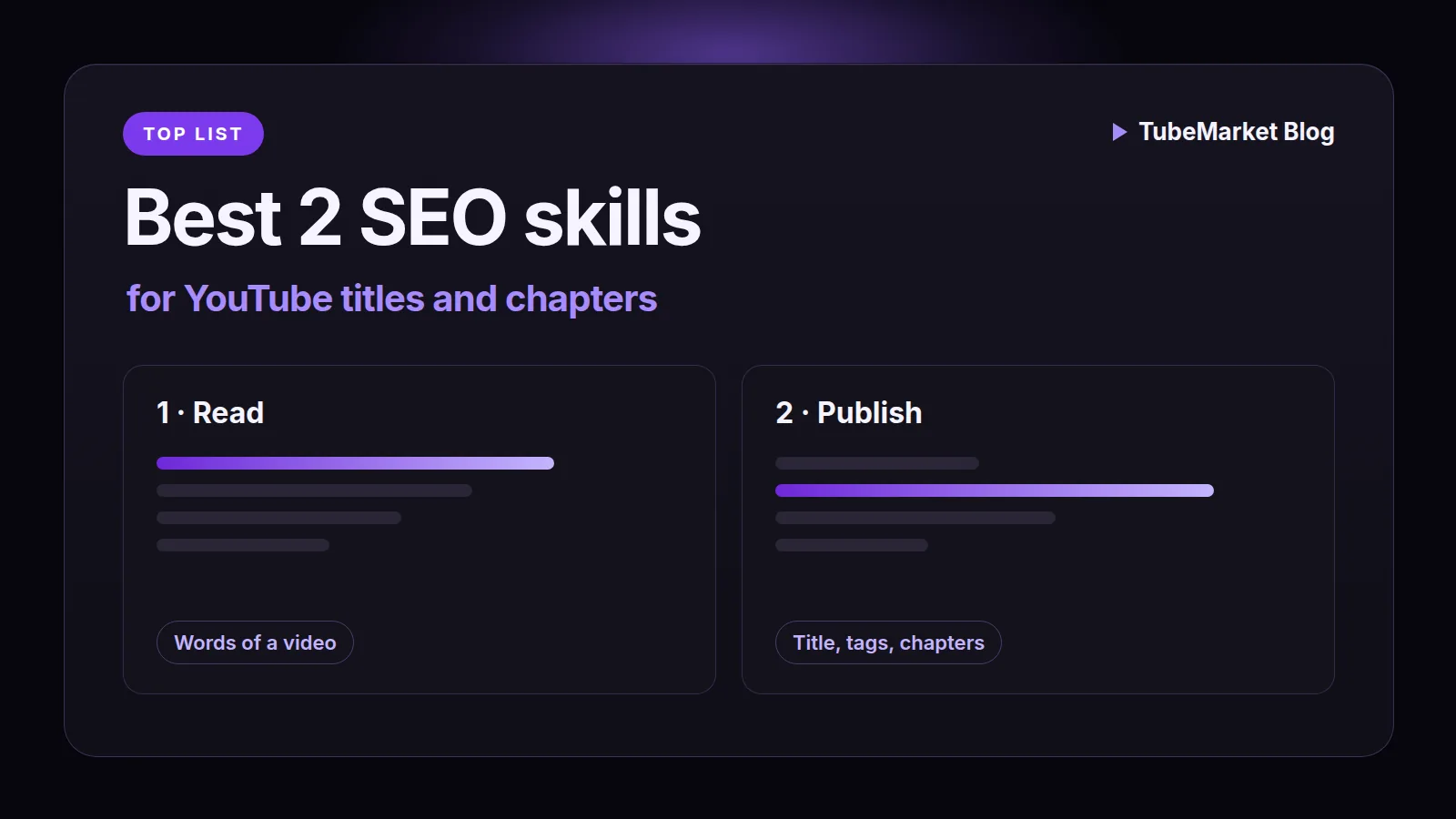
YouTube SEO, on this page, is the text a stranger can search: the topic you chose, the title, the description, the tags, and the chapter lines YouTube reads in the description. This guide ranks the automation skills on the TubeMarket shelf whose job is one of those steps. It is a fit ranking: which step the skill is built for, where it runs, and what the listing and the skill file actually say. It is not a ranking study, and it does not invent views, ratings or revenue.
The Title / SEO stage, checked on 15 November 2026, lists four items. None of them is an automation skill. A custom GPT, two workflows and a Zapier zap are linked later, not ranked. Two skills do a step of the work and are filed under other stages, which is why a browse of Title / SEO alone misses them. One turns a YouTube link into text you can mine before you write a title. One drafts the title, the description, the tags and the chapters for a video it is about to upload, then can read whether search was a traffic source afterwards. A directory is not included. A tool that scores keywords is not on this shelf.
We judged each skill on four things:
- Step: the words of a video you will study, or the title, description, tags, chapters and upload of a video you made
- Where it runs: in Claude Code, on a link, or inside a toolkit project that already has a render
- Access: the listing price, and whether the step needs an API key or a YouTube login
- What we can check: the TubeMarket listing, and the skill file on 15 November 2026
Quick picks
- Read a video before you name the topic: claude-skill-video-transcribe
- Title, description, tags, chapters, then the upload: claude-code-video-toolkit
A faceless channel and a talking-head channel use the same two. The upload note changes when the file is vertical. It does not add a third SEO skill to the shelf.
TubeMarket catalog, ranked
The order below is the order of the work: read what a video already said, then write the fields you will publish. It is not a quality score.
Neither skill is filed on the Title / SEO stage.
1. claude-skill-video-transcribe: the words, before the title
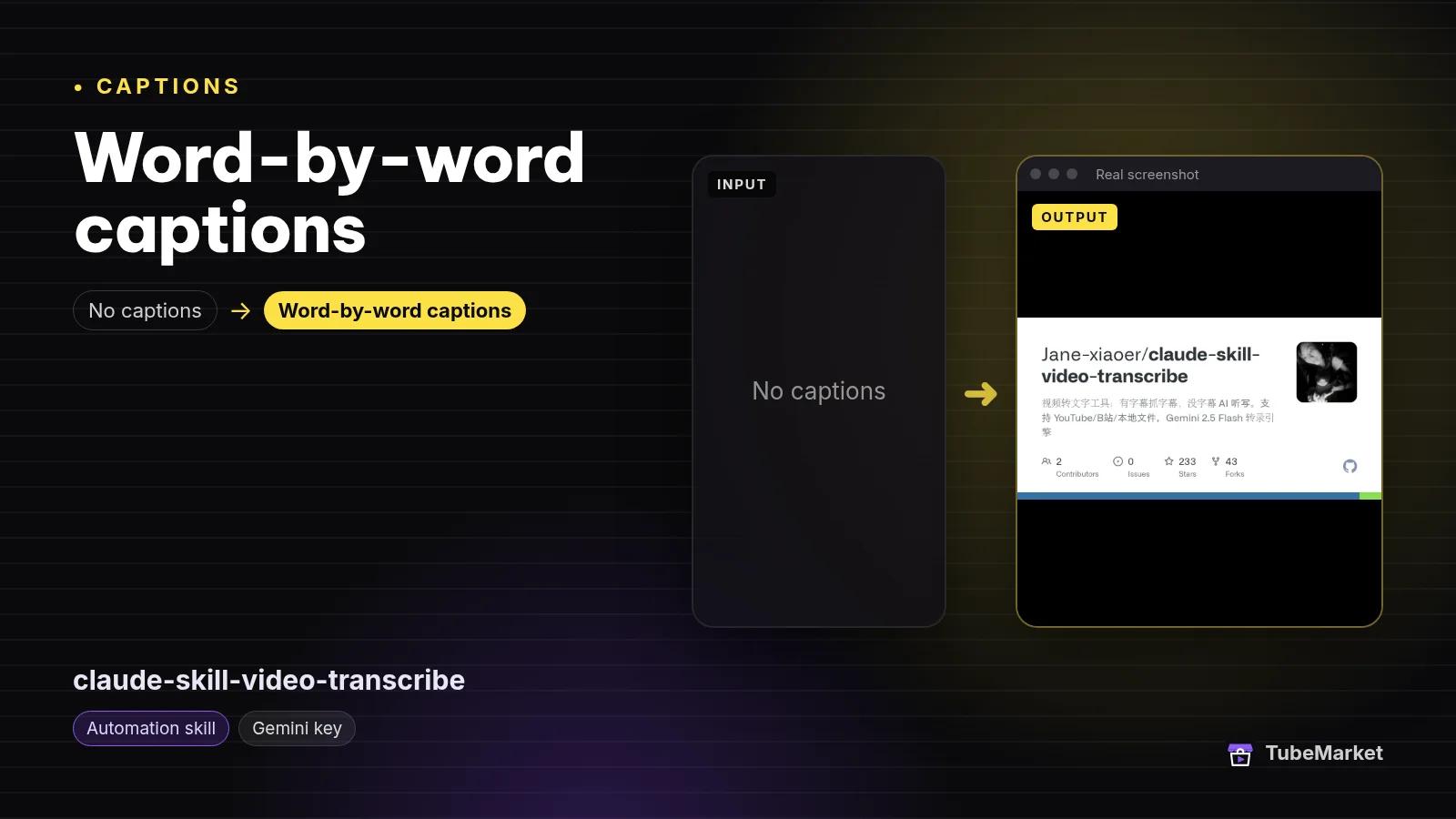
Turn YouTube and Bilibili videos into text
 claude-skill-video-transcribe · by Jane-xiaoer
Claude skill that turns a YouTube or Bilibili video link into a full text transcript you can mine for scripts, notes or research. Needs Claude Code and a Gemini API key.
For: Captions, Analytics · All formats
★ 233 GitHub stars
The listing title is "Turn YouTube and Bilibili videos into text". The shelf files it as an automation skill for Captions and Analytics, free (open source, self-host), owned by Jane-xiaoer. The description says it turns a YouTube or Bilibili link into a full text transcript you can mine for scripts, notes or research, and that it needs Claude Code and a Gemini API key. The license on the listing is not stated. The requires line is Claude Code or Cursor, Python 3.10+, and ffmpeg. The compatible agents on the listing are Claude Code and Cursor.
The same transcript, judged as a caption step, is ranked in Best 4 skills for YouTube captions. This page uses it for the reading that comes before a title. It does not burn words onto a frame, and it does not write the title.
On 15 November 2026 the skill file describes two jobs. Transcribe turns video or audio into text. Extract pulls key points out of that text. The trigger line names transcripts, subtitles, YouTube-to-text, Bilibili-to-text, video notes and a video summary. Local files include MP4, MOV, MP3 and M4A. URLs include YouTube, Bilibili, Xiaoyuzhou, Youku, and other platforms yt-dlp supports.
The transcribe workflow says a URL tries existing subtitles first, which it calls the fast path and zero API use. If there are no subtitles, it downloads the audio and transcribes. The default engine is Gemini 2.5 Flash. The other engine is mlx-whisper. The README comparison, the same day, says Gemini adds punctuation and needs a network plus an API key, and that mlx is offline, adds no punctuation, and is limited to Apple Silicon. The workflow says the text is saved as a .txt under Downloads, and that the agent shows the first 500 characters, then asks whether you want the key points.
The extract workflow has three modes, and the prompts are in the file. Quick summary asks for 5 to 8 points, one sentence each, no more than 30 characters, in the speaker's wording, most important first. Structured notes ask for 3 to 5 themes, then 2 to 4 points under each, with examples, numbers and lines marked. A third mode rewrites the transcript into an article of about 800 characters, with a hook and a call to action, plus three short posts under 140 characters. Those lengths are the prompt's instructions, not a count we measured. The file then asks whether you want a WeChat, Twitter, Feishu or Notion draft. It does not ask for a YouTube title, a tag list or a chapter list.
- Pros: the words of a link, including a video that already has subtitles, before you decide what your own title should say. The subtitle path, the file says, does not spend an API call.
- Cons: the output is plain text, not word timings, not a title, and not tags. A rewrite of a video you do not have the right to reuse is a rights problem, not a research setting. The Gemini path needs an API key. The listing does not state a license.
Use this to read a video you have the right to process, so the topic and the words in your title come from what was actually said. It is not the metadata you upload.
2. claude-code-video-toolkit: the title, the tags and the chapters
Produce Remotion videos with Claude Code
 claude-code-video-toolkit · by digitalsamba
Make videos with Claude Code: script, AI voiceover, music, video clips and render, on open-source models that cost cents
For: Script, Voiceover · Screen tutorial, Faceless storytelling
★ 2.4k GitHub stars
The listing title is "Produce Remotion videos with Claude Code". The shelf files it as an automation skill for Script, Voiceover and Editing, not for Title / SEO. The formats on the listing include faceless. Free (open source, self-host), MIT. The requires line is Claude Code or Cursor. The shelf records the AI requirement as Claude plus a TTS key.
The script, captions, Shorts and B-roll guides leave the metadata step unranked, because on those pages the job is the picture, the voice or the cut. This page ranks the publish path. The README, checked 15 November 2026, says you tell Claude Code what video you want and it writes the script, generates the voiceover, music and visuals, and renders an MP4. It says the code license is MIT. GitHub's license API returned MIT the same day. The command table lists /publish as "Publish a finished video to YouTube (metadata auto-filled from project.json)" and /thumbnail as a separate thumbnail. The skills folder also contains youtube-stats.
The publish command is the metadata step. It says to stop until YouTube OAuth is set up. That login is not an API key. The order it names is: check the login, find the project and the rendered MP4, build a publish kit, assemble a publish block, dry-run, then upload. It says to show the metadata and let you edit it before the upload. The default privacy it names is private.
The fields the command says to fill, and the limits in youtube_upload.py the same day:
- Title. Use an existing
publish.title, else the hook scene's title, else the project name. The command says to keep it to 100 characters or fewer, and to name the subject in the words people would type. The uploader'sTITLE_MAXis 100, and it truncates a longer title. - Description. A one- or two-line summary from the scene narration, then the links in the first lines, then two or three hashtags on the last line. The command says YouTube shows the first three hashtags above the title. The uploader's description cap is 5,000 characters.
- Tags. Five to twelve topical tags from the scene titles and the brand, unless
publish.tagsalready exists. The uploader caps the combined length at 500 characters and drops a tag that would pass that. - Category. The command names 28 for Science and Tech, 27 for Education, 24 for Entertainment and 26 for Howto and Style. Left out, the uploader sends 22, People and Blogs, and says so.
- Chapters. From the kit's
chapters.txt, placed in the description. The command says YouTube reads them there, and not to add a second0:00line if one is already present. - Captions and a thumbnail can go with the same upload. The caption file is the kit's SRT. The thumbnail is a path you already have, or
/thumbnailfirst. A thumbnail is a different job. This page does not rank it.
The uploader's own notes, in metadata_notes, do not block the upload. They fire when the description has no hashtag, when it has no link, when none of the tags appears in the title, and when no category was chosen. The title note says the title counts for more than the tags in search. That is the file's guidance, not a ranking we measured. A vertical or square file of 180 seconds or shorter is treated as a Short. The note says the related-video field on a Short cannot be set by the API.
publish_kit.py writes the chapters and the SRT from the render. A chapter is one scene cut. The title comes from scenes[].title in project.json, or from the scene file name, so a file called 02_narrate.txt becomes "Narrate" until you rename it. The file says it applies three rules: the first chapter at 0:00, at least three chapters, and at least 10 seconds each. A scene that is too short joins the chapter before it. If three chapters will not fit, it writes none. The command says to show those titles and offer a rename, then re-run. A re-run reuses the saved transcript. The docstring prices the default transcription, Scribe, at $0.40 an audio hour, about $0.01 for 90 seconds, and says that needs an ElevenLabs key. --engine whisper is the free local engine. Those are the file's figures, not a bill we ran.
The same command file states the Data API quota as 10,000 units a day, about 1,600 units an upload, and about six uploads a day. A quota error comes back as HTTP 403 with errorType: "quota". Custom thumbnails, it says, need a channel with a verified phone number. The default privacy is private so a test upload stays hidden. If you asked for public and the response is still private, the file says that is the unverified-app lock, and you publish by hand in Studio.
youtube-stats is the step after the video is public. It reads views, likes, comments and subscribers, and, with the Analytics scope, watch time, retention and traffic sources. The sources it names include SHORTS, YT_SEARCH, EXT_URL and SUBSCRIBER. The file says a Short whose views are only EXT_URL was not pushed by the feed, and that you change the cover frame and the first second, not the title. For a long video it says impressions times click-through rate times view duration, and that a low click-through rate is the title or the thumbnail. It also says impressions and click-through rate have been refused by the API before, and that Studio still shows them when the API refuses. Analytics, it says, lags one to two days. None of that is a keyword score, and this page did not run the report.
- Pros: this is the shelf skill whose files name a title, a description, tags, chapters and the upload, then a later read of whether search was a traffic source. The dry run prints the request and does not upload. The code license is MIT.
- Cons: the listing's job is the whole video, so the script, the voice and the picture come with it. Chapters need the toolkit's scene scripts. A file you did not build in that project does not get those chapter titles. YouTube login is OAuth, separate from the TTS key. The command does not look up search volume.
Use this for the metadata of a video the toolkit rendered: the title, the description, the tags, the chapters, the upload, and a later look at search traffic. You still edit the title before the dry run.
A practical SEO workflow
Chain them in this order. Skip a step when you do not need that job.
- Write down the question the video answers. Neither skill picks the question. A title that names a video you did not make is a different problem from a title that is merely dull.
- Read a video you have the right to process with claude-skill-video-transcribe when you need the words before you name your own topic. Use the subtitle path when the video already has them. Use the quick summary or the structured notes when you want the points. Do not use the rewrite mode on a video you cannot republish. The plain text does not become chapters.
- Draft the script as its own job when you do not have the words yet. That ranking is Best 3 skills for YouTube scriptwriting. The SEO writer discussed on that page is filed on the current shelf as a tool, so it is not a third skill here. It is linked below.
- Make the video, then open the publish command in claude-code-video-toolkit when the render is a toolkit project. Read the title it derived. Put the subject in the words a stranger would type. The uploader's note says a tag that never appears in the title is the weaker field.
- Rename chapter titles before you upload. "Narrate" is the file-name fallback in
publish_kit.py. Put a realscenes[].titleinproject.jsonand re-run. The file says a scene under 10 seconds joins the chapter before it, and that fewer than three chapters means no chapter file. - Dry-run, then upload private. Read
requestBodyand the notes. Fix a missing link, a missing hashtag or a missing category if those notes apply. The command says a note never stops the upload. Leave privacy on private until you have read the title on the video itself. - Read search traffic after the video has been up, with
youtube-stats, once the Analytics scope is on. The file says the numbers lag one to two days, and that a Short's first 48 hours are the feed testing it. A low click-through rate, in that file, points at the title or the thumbnail. It does not hand you a new keyword list. Thumbnail listings are a different guide: Best AI YouTube thumbnail tools. - Leave the picture, the voice and the captions as their own jobs. Shot prompts are ranked in Best 3 skills for faceless YouTube B-roll. The voice is Best AI voiceover tools for faceless YouTube. Captions are Best 4 skills for YouTube captions. A long recording cut into a Short is Best 6 skills for turning long videos into YouTube Shorts.
Browse the four Title / SEO listings, none of which is ranked above, on the Title / SEO stage. The transcript also sits on the Analytics stage. The upload sits with the rest of publishing on the Publishing stage. For a faceless channel, start from faceless storytelling. For a Short, start from Shorts. A talking-head channel can start from talking head.
How to choose
- Start with the transcript when the input is someone else's video and you need the words. That is
jane-xiaoer-claude-skill-video-transcribe. It does not write your title. - Use the toolkit when the video is a project you rendered there and the next step is the title, the description, the tags, the chapters and the upload. That is
digitalsamba-claude-code-video-toolkit. - Read the dry run. The uploader will send a title you did not edit. Private is the default the command names for that reason.
- Chapters are scene titles, not a guess at search phrases. Rename them. A video without the toolkit's scene scripts does not get this chapter file.
- The transcript's Gemini path needs an API key. The mlx path, the README says, does not, and it only runs on Apple Silicon. The toolkit's upload needs a YouTube login. The listing's TTS key is for the voice, not for the title.
- Keep the edit. The skill can draft the field. You still decide that the title matches the video.
On the shelf, but not these SEO skills
Real listings. A different type, or a different job, so they are not in the ranking above.
- A script GPT that also suggests SEO. mySCRIPTGenius360 is a tool. The listing title is "Write scripts with built-in YouTube SEO". The description says it writes a YouTube script and adds SEO suggestions such as title, description and keywords in the same pass, and that it works in ChatGPT. Free inside ChatGPT. Proprietary. It is on the Title / SEO stage. The shelf type is tool, so it is not a third skill. The script guide discusses the same listing as a script step.
- A summary of a competitor video. YouTube Video Summarizer is a tool. The listing title is "Summarize competitor videos for fresh ideas". The description says it summarizes a YouTube video so you can study competitors and pull out content ideas. Free inside ChatGPT. It is filed under Analytics and Idea, not Title / SEO. A summary is not a title, and the shelf type is tool.
- Tags on a Short, inside a workflow. n8n YouTube to Shorts is a workflow on Title / SEO, Shorts and Publishing. On 15 November 2026 the README says an LLM generates titles, descriptions, tags and a category id, then the workflow uploads and schedules the Shorts. It needs Swiftia and an LLM key. The license on the listing is MIT. A workflow is not a skill file an agent runs.
- A description and tags from Drive. Upload Shorts from Drive with AI tags is a workflow. The description says a Make scenario picks up Shorts from Google Drive, has AI write the description and tags, then uploads them. It needs a Make plan and an OpenAI key. The license on the listing is not stated.
- A transcript into a ChatGPT pass. Repurpose new YouTube videos with ChatGPT is a workflow, also filed on Title / SEO. The description says that when a new video goes live, Zapier pulls the transcript and has ChatGPT summarize or repurpose it. It needs a Zapier plan. The listing does not say the zap writes tags.
- An agent that runs the whole channel. youtube-automation-agent is a tool. The listing title is "Run a YouTube channel end to end with an AI agent". On 15 November 2026 the README says it researches topics, writes scripts, and writes titles, descriptions and tags, then learns from analytics. A later section says title and thumbnail experiments need a 95 percent evidence threshold before a winner, and that the original is restored before you decide. Those are the README's rules, not a test we ran. The shelf type is tool.
- A transcript library. youtube-transcript-api is a tool. The listing title is "Pull transcripts from any YouTube video". The description says it reads transcripts and auto-generated subtitles and needs no API key. It does not draft a title. The agent skill above is the one that also extracts notes.
- An older upload command. youtube-upload is a tool on Publishing. The listing title is "Upload videos to YouTube from the command line", and the shelf calls it an older tool. The listing does not say it drafts chapters or researches a topic.
- A download of a file that already exists. yt-dlp is a tool. The listing says it downloads video or audio. One of its "what it does" lines is that it grabs the file and its metadata. That is metadata already on the video, not the title you are about to write.
- Product-market research, not a YouTube title. Market Research Swarm is an automation skill. The listing title is "Research any market with parallel agents". The description says every claim gets a confidence label, plus TAM, SAM and SOM. The skill file is about a market you might sell into. It does not read a YouTube video or write tags.
- Word timings, not chapters. local-whisper-transcriber writes word-level JSON for captions. It does not write the chapter lines YouTube reads in a description. Those lines, on this shelf, come from the toolkit's publish kit, and only for a project that has scene scripts.
Comparison
- jane-xiaoer-claude-skill-video-transcribe: Captions and Analytics; free (open source, self-host); listing says the license is not stated; plain text from a link or a file; URL path tries existing subtitles first; default engine is Gemini 2.5 Flash and needs an API key; extract modes are in the skill file; does not write a title or tags
- digitalsamba-claude-code-video-toolkit: Script, Voiceover and Editing; free code, MIT;
/publishdrafts a title (100 characters), a description (5,000), tags (500 combined) and chapters, then uploads; chapters need scene scripts, a first chapter at 0:00, at least three, each at least 10 seconds;youtube-statsreads traffic sources including search; YouTube login is OAuth - myscriptgenius360-gpt: not in this ranking; tool; script plus SEO suggestions; free inside ChatGPT; on the Title / SEO stage
- n8n-youtube-to-shorts-workflow: not in this ranking; workflow; the README says an LLM writes titles, descriptions, tags and a category for scheduled Shorts
- darkzogx-youtube-automation-agent: not in this ranking; tool; the README says it writes titles, descriptions and tags as part of running the channel
- market-research-swarm: not in this ranking; a product-market report, not YouTube metadata
Prices, API rates and quotas change. Verify them on each project's page. The character caps, the chapter rules and the dollar figures above are the ones those files stated on 15 November 2026.
FAQ
What are the best skills for YouTube SEO? On TubeMarket, the automation skills whose job is a step of that text are claude-skill-video-transcribe and claude-code-video-toolkit. "Best" here means which step they fit. We did not score them against each other.
What is an SEO skill on this shelf, as opposed to an SEO tool? A skill file an agent can run, filed as an automation skill. The transcript skill returns text. The toolkit's publish command drafts the fields and can upload them. The ChatGPT writer that suggests a title is a tool. The n8n step that writes tags is a workflow. A keyword-score extension is not on the Title / SEO stage.
Do these skills find keywords with search volume? No. The transcript gives you words a video already used. The publish command derives tags from scene titles and tells you to name the subject in words people would type. Neither file describes a search-volume lookup.
Will the publish command write chapters for any video? No. publish_kit.py builds chapters from the toolkit project's scene scripts. A scene under 10 seconds is merged. Fewer than three chapters means the file writes none. The titles start as scene titles, and the command says to rename them. A video you did not build in that project does not get this file.
Do faceless channels need a different SEO skill? No. The same two cover a link you are studying and a toolkit video you are about to upload. A vertical file of 180 seconds or shorter is the case the uploader marks as a Short. The title is still yours to edit. The voice and the pictures are the guides linked above.
Will an SEO skill get the video views? A title is one field. The thumbnail, the first line and whether anyone clicks are separate. This page does not quote views, watch time or revenue. The stats skill reads those numbers from your own channel after you publish. It does not promise them.
Catalog gaps
TubeMarket does not yet list:
- an automation skill whose only job is a YouTube title, description and tags, without producing the video (the GPT that suggests them is filed as a tool; the toolkit drafts them while publishing a project),
- a skill that returns keyword search volume or a keyword score (nothing on the Title / SEO stage does that),
- a skill that writes chapter lines for a video that has no toolkit scene scripts,
- a license file on the transcript repository (the README says MIT, the listing says the license is not stated, and GitHub's license API returned none on 15 November 2026).
The two skills in this ranking are documented in the files linked below. The Title / SEO stage is four items, and none of them is a skill. Those gaps are real.
Sources
- TubeMarket, claude-skill-video-transcribe: https://tubemarket.io/item/jane-xiaoer-claude-skill-video-transcribe/
- TubeMarket, claude-code-video-toolkit: https://tubemarket.io/item/digitalsamba-claude-code-video-toolkit/
- TubeMarket, mySCRIPTGenius360: https://tubemarket.io/item/myscriptgenius360-gpt/
- TubeMarket, YouTube Video Summarizer: https://tubemarket.io/item/youtube-video-summarizer-gpt/
- TubeMarket, n8n YouTube to Shorts: https://tubemarket.io/item/n8n-youtube-to-shorts-workflow/
- TubeMarket, Upload Shorts from Drive with AI tags: https://tubemarket.io/item/make-youtube-shorts-ai-descriptions/
- TubeMarket, Repurpose new YouTube videos with ChatGPT: https://tubemarket.io/item/zapier-youtube-transcripts-chatgpt/
- TubeMarket, youtube-automation-agent: https://tubemarket.io/item/darkzogx-youtube-automation-agent/
- TubeMarket, youtube-transcript-api: https://tubemarket.io/item/jdepoix-youtube-transcript-api/
- TubeMarket, youtube-upload: https://tubemarket.io/item/tokland-youtube-upload/
- TubeMarket, yt-dlp: https://tubemarket.io/item/yt-dlp-yt-dlp/
- TubeMarket, Market Research Swarm: https://tubemarket.io/item/market-research-swarm/
- claude-skill-video-transcribe skill file, transcribe workflow, extract workflow and README, checked 15 November 2026: https://github.com/Jane-xiaoer/claude-skill-video-transcribe
- claude-code-video-toolkit README, checked 15 November 2026: https://github.com/digitalsamba/claude-code-video-toolkit
- Publish command: https://github.com/digitalsamba/claude-code-video-toolkit/blob/main/.claude/commands/publish.md
- publish_kit.py: https://github.com/digitalsamba/claude-code-video-toolkit/blob/main/tools/publish_kit.py
- youtube_upload.py: https://github.com/digitalsamba/claude-code-video-toolkit/blob/main/tools/youtube_upload.py
- youtube-stats skill file: https://github.com/digitalsamba/claude-code-video-toolkit/blob/main/.claude/skills/youtube-stats/SKILL.md
- n8n YouTube to Shorts README, checked 15 November 2026: https://github.com/mismai-li/n8n-youtube-to-shorts-workflow/blob/main/README.md
- youtube-automation-agent README, checked 15 November 2026: https://github.com/darkzOGx/youtube-automation-agent/blob/master/README.md
- GitHub license API, digitalsamba/claude-code-video-toolkit, MIT on 15 November 2026: https://github.com/digitalsamba/claude-code-video-toolkit
- GitHub license API, Jane-xiaoer/claude-skill-video-transcribe, no license file on 15 November 2026
- Related posts: Best 3 skills for YouTube scriptwriting, Best 4 skills for YouTube captions, Best 3 skills for faceless YouTube B-roll, Best 6 skills for turning long videos into YouTube Shorts, Best AI YouTube thumbnail tools, Best AI voiceover tools for faceless YouTube