Best 2 Skills for YouTube Thumbnails (2026)
Best skills for YouTube thumbnails on Tubemk: render a 1280×720 cover with Ideogram inside a Claude Code toolkit, or register and export a Remotion still at the same size. Fit only.
By Tubemk · · youtube thumbnail, faceless youtube, shorts, ideogram, remotion
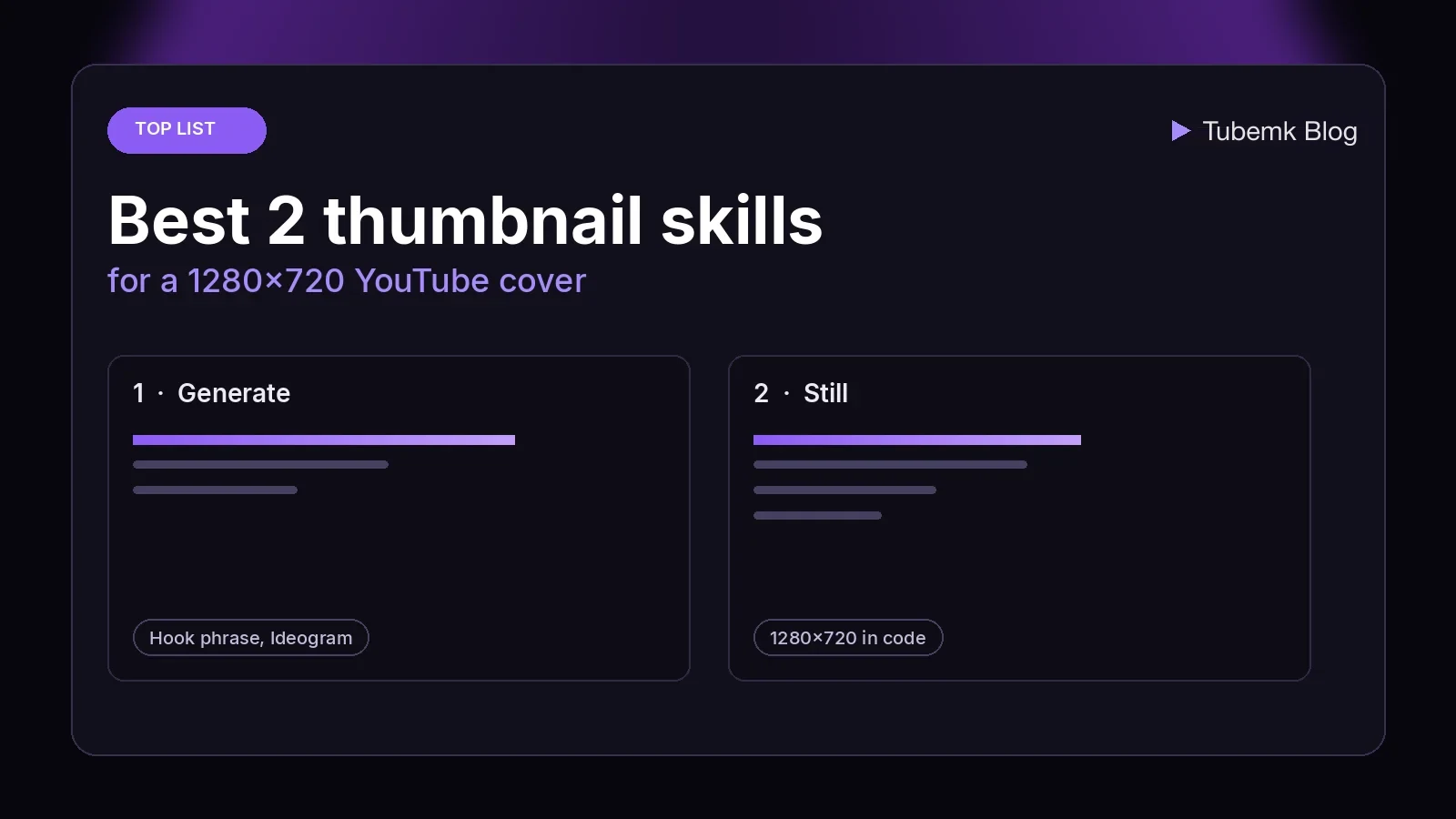
A YouTube thumbnail is the still a stranger sees beside the title. The words on it, the one subject, and the file you upload are steps of that job. This guide ranks the automation skills on the Tubemk shelf whose files name that still. It is a fit ranking: which step the skill is built for, where it runs, and what the listing and the skill file actually say. It is not a click study, and it does not invent views, ratings or click-through rates.
The Thumbnail stage, checked on 17 November 2026, is tools and workflows. None of those records is an automation skill. Two skills do a step of the cover and are filed under other stages, which is why a browse of Thumbnail alone misses them. One is a Claude Code command that renders a 1280×720 image with baked-in text. One tells an agent how to register a single-frame composition at that size and export it. A directory is not included. A custom GPT, a ComfyUI graph and a background-removal tool are linked later, not ranked. Those listings are covered as tools in Best AI YouTube thumbnail tools.
We judged each skill on four things:
- Step: a generated 1280×720 image with a hook phrase, or a still you lay out in code and then export
- Where it runs: inside Claude Code, against Ideogram's hosted API, or in a Remotion project on your machine
- Access: the listing price, and whether the image step needs an API key
- What we can check: the Tubemk listing, and the skill file or command on 17 November 2026
Quick picks
- A hook phrase, rendered as the cover: claude-code-video-toolkit, the
/thumbnailcommand - A still you design, then export: remotion-dev-skills, a
<Still>plus/remotion-render
A faceless channel and a talking-head channel use the same two. The format changes the subject in the frame. It does not add a third thumbnail skill to the shelf.
Tubemk catalog, ranked
The order below is the order of the work when the cover is generated, then the order when the cover is designed. It is not a quality score.
Neither skill is filed on the Thumbnail stage.
1. claude-code-video-toolkit: the rendered cover
Produce Remotion videos with Claude Code
 claude-code-video-toolkit · by digitalsamba
Make videos with Claude Code: script, AI voiceover, music, video clips and render, on open-source models that cost cents
For: Script, Voiceover · Screen tutorial, Faceless storytelling
★ 2.4k GitHub stars
The listing title is "Produce Remotion videos with Claude Code". The shelf files it as an automation skill for Script, Voiceover and Editing, not for Thumbnail. The formats on the listing are screen tutorial and faceless. Free (open source, self-host), MIT. The requires line is Claude Code or Cursor. The shelf records the AI requirement as Claude plus a TTS key. The thumbnail step is a different key, named below.
The script, voice, edit and SEO guides leave this command unranked, because on those pages the job is the words, the speech, the cut or the title. This page ranks the cover. On 17 November 2026 the README command table lists /thumbnail as "Generate a YouTube thumbnail with Ideogram 4 (hook phrase + brand colours)". The same page describes the ideogram4 skill as image generation for title cards and thumbnails. GitHub's license API returned MIT the same day.
The thumbnail command says the output is a 1280×720 image for a project you already have: a short hook phrase in big text, in the brand's colours, ready for /publish --thumbnail. It wraps tools/ideogram4.py. The chain it names is the project, the script and brand.json, then a hook phrase, then a JSON caption, then Ideogram 4, then a check of the text, then out/thumbnail.png.
The same file says the thumbnail text is not the video title, because the title is already on the page. It asks for 1–3 words in the main phrase, and says an optional 1–3 word subhead is fine. It says to propose 2–3 options and let you pick. It says to run each option through tools/copy_lint.py before proposing it. If you pass a phrase on the command line, it skips that choice.
It says to load the ideogram4 skill before writing the caption. That skill file says a plain text prompt misses the JSON caption the model was trained on, and that the toolkit posts the caption to Ideogram's hosted v4 API. It says the self-hostable weights are non-commercial and that paid API plans include a commercial license, which is why the toolkit uses the API. Those are the file's statements. This page did not compare models and did not read the vendor's contract.
The command's layout rules, in its own words: put the text in a box on the left half, keep everything important out of the bottom-right corner because YouTube overlays the duration badge there, use one visual subject on the other side, and do not ask for a logo, because Ideogram cannot reproduce a real one. The example box it prints is [180,50,620,540] on a 0–1000 grid. The bottom-right region it names is y>800, x>780.
The render line it gives is uv run tools/ideogram4.py with --resolution 1280x720 and --speed QUALITY. It says Ideogram 4 returns that size exactly. It says to read the PNG and check the spelling, the small-size read, and the brand colours. If the text is wrong, regenerate once. If it fails again, shorten the phrase. It says to tell you the cost before generating more than one image. The command prices --speed QUALITY at about $0.10 per image. The ideogram skill file prices the range at about $0.03 per image for turbo and about $0.10 for quality. Those are the files' figures, not a bill we ran.
The command says the file should be at most 2MB and 1280×720, and that a flat graphic is usually 0.5–1MB. Over 2MB, it says to convert to JPEG with ffmpeg. It then writes publish.thumbnail to out/thumbnail.png and does not overwrite other publish fields. It says /publish picks that path up. A note at the end says custom thumbnails on YouTube need a channel with a verified phone number, and that /publish reports it if the thumbnail was not set. It also says this command is not for Remotion title cards. Those stay as type on top of a picture. A thumbnail is a static image, so baked-in text is the case it names.
The same file says Ideogram 4.5 cannot take 1280x720, because its sides must be multiples of 32. The workaround it names is --resolution 2560x1440, then ffmpeg scale to 1280×720. It says to stay on Ideogram 4 unless you ask for 4.5.
It requires IDEOGRAM_API_KEY in .env, from developer.ideogram.ai. If the key is missing, it says to stop.
- Pros: the cover step for a toolkit project, at the size the command names, with the phrase chosen before the render.
/publishis the upload that reads the path. - Cons: the listing's job is the whole video, so the script, the voice and the picture come with the same repo. The image costs an Ideogram call. The file says a logo will be invented, not copied. You still have to read the PNG. It does not start from a frame of a video you filmed.
Use this for the rendered cover when the video is a project in this toolkit and you want the text baked into a 1280×720 file.
2. remotion-dev-skills: the still you lay out
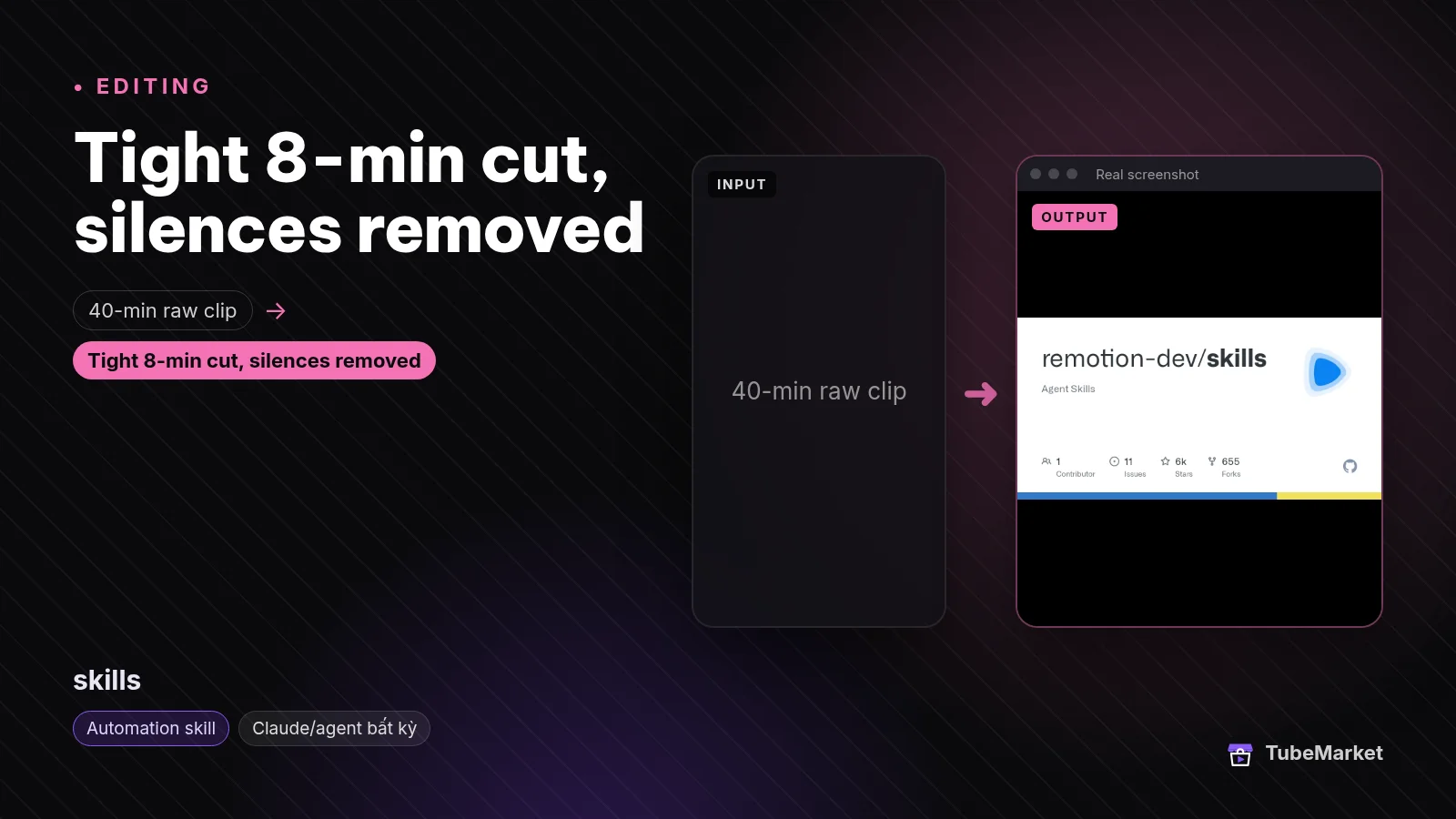

The listing title is "Teach Claude Code to build Remotion videos". The shelf files it under Editing and Captions. The listing says it is free and open source, that a license is not stated, and that it requires Claude Code or Cursor. What the listing says it does: official Agent Skills from Remotion that help an agent write Remotion video code. The compatible agents on the listing are Claude Code and Cursor.
The editing guide ranks this pack for motion graphics. The voiceover guide ranks the voiceover rule inside /remotion-markup. This page ranks the still. On 17 November 2026 the README says Remotion maintains these skills as best practices for agents including Claude Code and Cursor. The install lines it gives are npx remotion skills add inside a Remotion project, npx skills add remotion-dev/skills otherwise, and gh skill install remotion-dev/skills. That page lists 13 skills. The ones that are this cover are /remotion-markup (compositions, layout and type) and /remotion-render ("Invoke a render into a video or a still"). /remotion-studio is the preview. /remotion-license is the license lookup. The same docs live at remotion.dev/docs/ai/skills.
The markup skill says to read compositions.md before registering a <Composition> or a <Still>. The compositions rule, the same day, says to use <Still> for a single-frame image, and that it does not require durationInFrames or fps. The example it prints is a still whose id is Thumbnail, whose component is Thumbnail, and whose size is 1280 by 720.
The render skill says to render a still with npx remotion still. The options page it links, remotion.dev/docs/cli/still, says the composition id and the output path are optional. If you omit the id, that page says Remotion lets you select a composition. If you omit the path, it says the file goes in out. The default image format that page names is png. Other formats it names are jpeg, pdf and webp. The skill file's video section says to pass a composition id, because without one Remotion shows a picker or fails in a non-interactive terminal. The still snippet in the skill file does not repeat that sentence. The example id in the compositions rule is Thumbnail, so that is the id the file already chose.
The render skill also says a company that needs a Remotion license should pass the key, and that a free license is the value free-license. It points that lookup at the /remotion-license skill. The GitHub license API for remotion-dev/skills returned 404 on 17 November 2026. The separate listing Remotion skills pack says the license is the Remotion License and that the price is free. It describes the same family as 13 preinstalled skills. This page does not rank that pack as a second method. Use /remotion-license before you publish. This page does not restate those terms.
- Pros: the cover is type, colour and layout you can edit in the composition, at the 1280×720 size the example names. The export is
npx remotion still. No image-model key is named in this skill. - Cons: it does not draw a photograph from a prompt, and it does not pull a frame out of a filmed video. You are editing code, with an agent. The license is not stated on the main listing.
Use this for a designed still, when the cover is built, not generated.
A practical thumbnail workflow
Chain them in this order. Skip a step when you do not need that job.
- Know what the video is. Neither skill chooses the topic. The script ranking is Best 3 skills for YouTube scriptwriting. The title, the description and the tags are Best 2 skills for YouTube SEO. That SEO page leaves
/thumbnailunranked on purpose. - Render the cover with claude-code-video-toolkit when the video is a project in that repo and you want Ideogram to bake the phrase in. Read the 2–3 phrases before you spend the call. The command says one image at quality is about $0.10. Check the spelling on the PNG. Drop a logo request. The file says Ideogram invents one.
- Or design the still with Remotion skills when the cover is type and layout. Register the
<Still>at 1280 by 720, the size the compositions example uses. Preview in Studio, thennpx remotion still. The command in the toolkit says a Remotion title card is a different job from/thumbnail. - Hand the file to the upload. The toolkit command writes
publish.thumbnailand says/publishreads it. The publish fields, the private default and the phone-verification note are in the SEO guide linked above. This page does not repeat that ranking. - Start from a real frame when the cover has to show the video. That job is not one of these two skills. Branded Comfy Thumbnail is a workflow. The description says it pulls frames from the video and lays them out with your logo and brand colours as 2-up or 4-up sheets, with no diffusion model. It needs ComfyUI. A Gemini node, the description says, only suggests caption text.
- Leave the cutout, the background and the upscale as tools. They are ranked in the thumbnail tools guide. The picture inside the video is Best 3 skills for faceless YouTube B-roll. The voice is Best 2 skills for YouTube voiceover.
Browse the Thumbnail stage, which does not contain either skill above, at /stage/thumbnail/. The toolkit sits with script and edit on the Script and Editing stages. For a faceless channel, start from faceless storytelling. For a filmed Short, start from Shorts. A talking-head channel can start from talking head.
How to choose
- Use the toolkit command when you want a generated image with a short phrase baked in, and the video already lives in that project. That is
/thumbnailondigitalsamba-claude-code-video-toolkit. - Use Remotion when you want to edit the cover as code: type, colour, a chart, a layout. That is the
<Still>inremotion-dev-skills, exported withnpx remotion still. - Read the image before you upload. The toolkit command says to check every word. A still you have not opened in Studio is the same kind of miss.
- The toolkit image needs an Ideogram key. The Remotion still does not name one. The toolkit listing's TTS key is for the voice, not for this cover.
- A filmed face is a different listing. The frame-and-logo workflow is Branded Comfy Thumbnail, linked above. These two skills do not crop your footage.
- Keep the taste. The skill can render the phrase you picked. You still decide that the still matches the video.
On the shelf, but not these thumbnail skills
Real listings. A different type, or a different job, so they are not in the ranking above.
- A ChatGPT draft of a thumbnail. Thumbnail Expert is a tool. The listing title is "Design thumbnails optimized for clicks". The description says it brainstorms thumbnail concepts and can render them with ChatGPT's image generator. Free inside ChatGPT. Proprietary. The badge is Custom GPT, ChatGPT only. The shelf type is tool, so it is not a third skill. It is filed on the Thumbnail stage.
- Frames from the video, plus a logo. Branded Comfy Thumbnail is a workflow, free, on the Thumbnail stage. The description says 2-up or 4-up sheets from your own frames, with no diffusion model. It needs ComfyUI.
- A high-contrast generated layout. YouTube Thumbnail Generator is a workflow. The listing title is "Design high-contrast YouTube thumbnails". The description says a ComfyUI template turns a reference image and a prompt into a 16:9 thumbnail with Nano Banana Pro, and that it needs ComfyUI or Comfy Cloud and paid Gemini API credits. The shelf price label is free, with the Gemini API billed separately.
- A background, not a finished cover. FLUX.1-schnell is a tool. The listing title is "Generate b-roll and thumbnail images fast". The description says it generates images from a text prompt, useful for B-roll stills and thumbnail backgrounds. Free. It does not place the title.
- A cut-out. rembg is a tool. The listing title is "Remove image backgrounds for thumbnails". Free, open source, self-host. It cuts a subject out. It does not write the phrase.
- An upscale. Upscayl is a tool. The listing title is "Upscale images with AI on your desktop". Free. It does not design the cover.
- The same Remotion skills, already on disk. Remotion skills pack is a separate listing. The title is "Get 13 preinstalled Remotion skills for Claude". The price on that listing is free. The license label is Remotion License. The requires line adds Node.js 18+ and Remotion. It is the same family as
remotion-dev-skills, not an extra technique. - The host app. ComfyUI is a tool. The two thumbnail workflows above run on it. The app itself is not a cover.
Comparison
- digitalsamba-claude-code-video-toolkit: Script, Voiceover and Editing; free code, MIT;
/thumbnailrenders a 1280×720 PNG with Ideogram 4 from a JSON caption; needsIDEOGRAM_API_KEY; the command prices quality at about $0.10 an image; the phrase is 1–3 words and is not the title; no real logo;/publishreadsout/thumbnail.png - remotion-dev-skills: Editing and Captions; listing says free and open source, and that a license is not stated;
/remotion-markupregisters a<Still>(the example id isThumbnail, 1280 by 720);/remotion-renderexports it withnpx remotion still; the README lists 13 skills - remotion-skills-pack: not a separate rank; the same Remotion skills, preinstalled; the listing says Remotion License and free
- thumbnail-expert-gpt: not in this ranking; tool; concepts and a ChatGPT image; free inside ChatGPT; on the Thumbnail stage
- branded-comfy-thumbnail: not in this ranking; workflow; frames from your video, logo and brand colours, 2-up or 4-up
- comfy-youtube-thumbnail-nano-banana: not in this ranking; workflow; reference image plus prompt; Gemini API billed separately
Prices and API rates change. Verify them on each project's page. The dollar figures, the 1280×720 size and the 2MB note above are the ones those files stated on 17 November 2026.
FAQ
What are the best skills for YouTube thumbnails? On Tubemk, the automation skills whose files name the cover are claude-code-video-toolkit and remotion-dev-skills. "Best" here means which step they fit. We did not score them against each other, and we did not measure clicks.
What is a thumbnail skill on this shelf, as opposed to a thumbnail tool? A skill file an agent can run, filed as an automation skill. The toolkit command renders a 1280×720 image. The Remotion skills tell the agent how to register a still and export it. The ChatGPT thumbnail writer is a tool. The Comfy graphs are workflows. They are in the tools guide linked above.
Do these skills start from a frame of the video? No. /thumbnail reads the project, the script and the brand colours, then generates an image. The Remotion still is a composition you write. A sheet of frames from footage you already cut is Branded Comfy Thumbnail, a workflow, linked above.
Do Shorts need a different thumbnail skill? Neither file describes a second size for a Short. The toolkit command and the Remotion example both name 1280 by 720. The toolkit listing's formats include faceless, and a vertical video is a different job from this still. The command says to keep the duration badge's corner empty. That corner is on the 16:9 file.
Will a thumbnail skill get the video clicks? A still is one file. The title, the first second and whether anyone clicks are separate. This page does not quote views, click-through rate or revenue.
Catalog gaps
Tubemk does not yet list:
- an automation skill filed on the Thumbnail stage (both skills above are filed under other stages),
- a skill whose only job is the cover, without a video toolkit or a Remotion project around it,
- a skill that pulls a frame from a filmed video and composites a logo (that job, on this shelf, is the Branded Comfy workflow),
- a license file on remotion-dev/skills (the listing says a license is not stated, and GitHub's license API returned 404 on 17 November 2026).
The two skills in this ranking are documented in the files linked below. The Thumbnail stage is tools and workflows. Those gaps are real.
Sources
- Tubemk, claude-code-video-toolkit: https://tubemk.io/item/digitalsamba-claude-code-video-toolkit/
- Tubemk, remotion-dev-skills: https://tubemk.io/item/remotion-dev-skills/
- Tubemk, Remotion skills pack: https://tubemk.io/item/remotion-skills-pack/
- Tubemk, Thumbnail Expert: https://tubemk.io/item/thumbnail-expert-gpt/
- Tubemk, Branded Comfy Thumbnail: https://tubemk.io/item/branded-comfy-thumbnail/
- Tubemk, YouTube Thumbnail Generator: https://tubemk.io/item/comfy-youtube-thumbnail-nano-banana/
- Tubemk, FLUX.1-schnell: https://tubemk.io/item/flux-1-schnell/
- Tubemk, rembg: https://tubemk.io/item/danielgatis-rembg/
- Tubemk, Upscayl: https://tubemk.io/item/upscayl/
- Tubemk, ComfyUI: https://tubemk.io/item/comfy-org-comfyui/
- claude-code-video-toolkit README, checked 17 November 2026: https://github.com/digitalsamba/claude-code-video-toolkit
- Thumbnail command: https://github.com/digitalsamba/claude-code-video-toolkit/blob/main/.claude/commands/thumbnail.md
- Ideogram 4 skill file: https://github.com/digitalsamba/claude-code-video-toolkit/blob/main/.claude/skills/ideogram4/SKILL.md
- GitHub license API, digitalsamba/claude-code-video-toolkit, MIT on 17 November 2026: https://github.com/digitalsamba/claude-code-video-toolkit
- Remotion Agent Skills README, checked 17 November 2026: https://github.com/remotion-dev/skills/blob/main/README.md
- Remotion markup skill: https://github.com/remotion-dev/skills/blob/main/skills/remotion-markup/SKILL.md
- Remotion compositions rule (Still example): https://github.com/remotion-dev/skills/blob/main/skills/remotion-markup/compositions.md
- Remotion render skill: https://github.com/remotion-dev/skills/blob/main/skills/remotion-render/SKILL.md
- Remotion still CLI: https://www.remotion.dev/docs/cli/still
- Remotion Agent Skills docs: https://www.remotion.dev/docs/ai/skills
- GitHub license API, remotion-dev/skills, 404 on 17 November 2026 (no detected license file)
- Related posts: Best AI YouTube thumbnail tools, Best 2 skills for YouTube SEO, Best 3 skills for YouTube scriptwriting, Best 2 skills for YouTube voiceover, Best 3 skills for faceless YouTube B-roll, Best 5 skills for YouTube video editing